


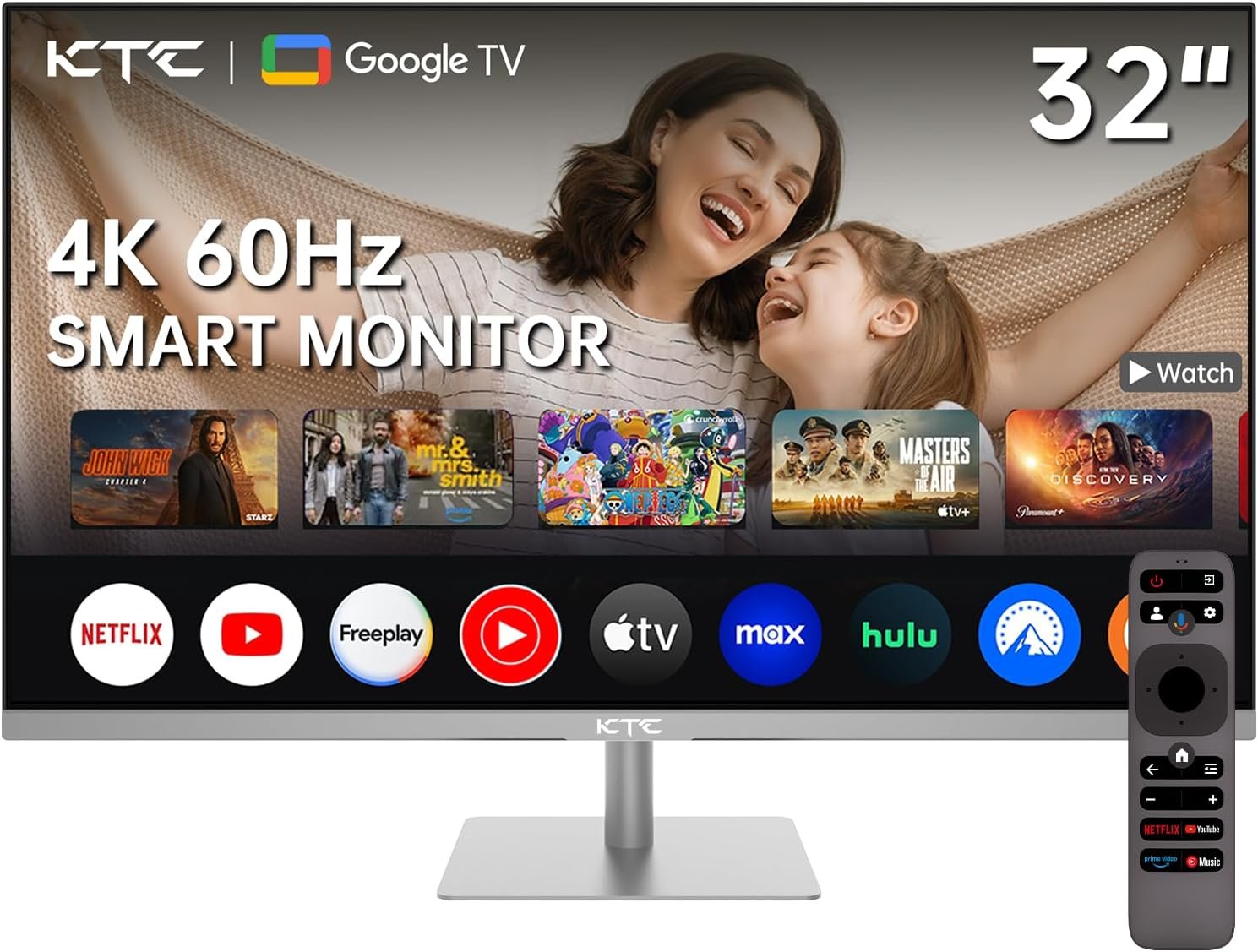
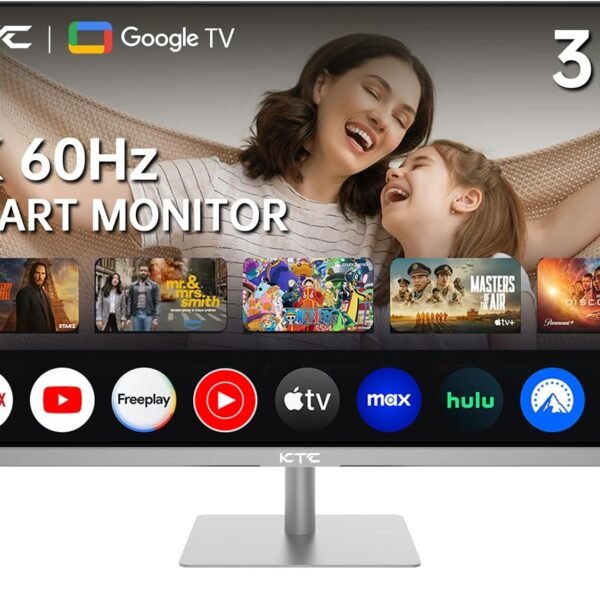
32 Inch 4K Smart Monitor with Google TV System 3840 * 2160P Netflix Licensed Type C 65W PD Speakers 5W*2 Dolby Audio Hey Google Voice Remote HDR WiFi Bluetooth VESA Tiltable 32 in Smart TV
$299.99
Price: $299.99
(as of Mar 28, 2025 13:27:27 UTC – Details)
Product Description
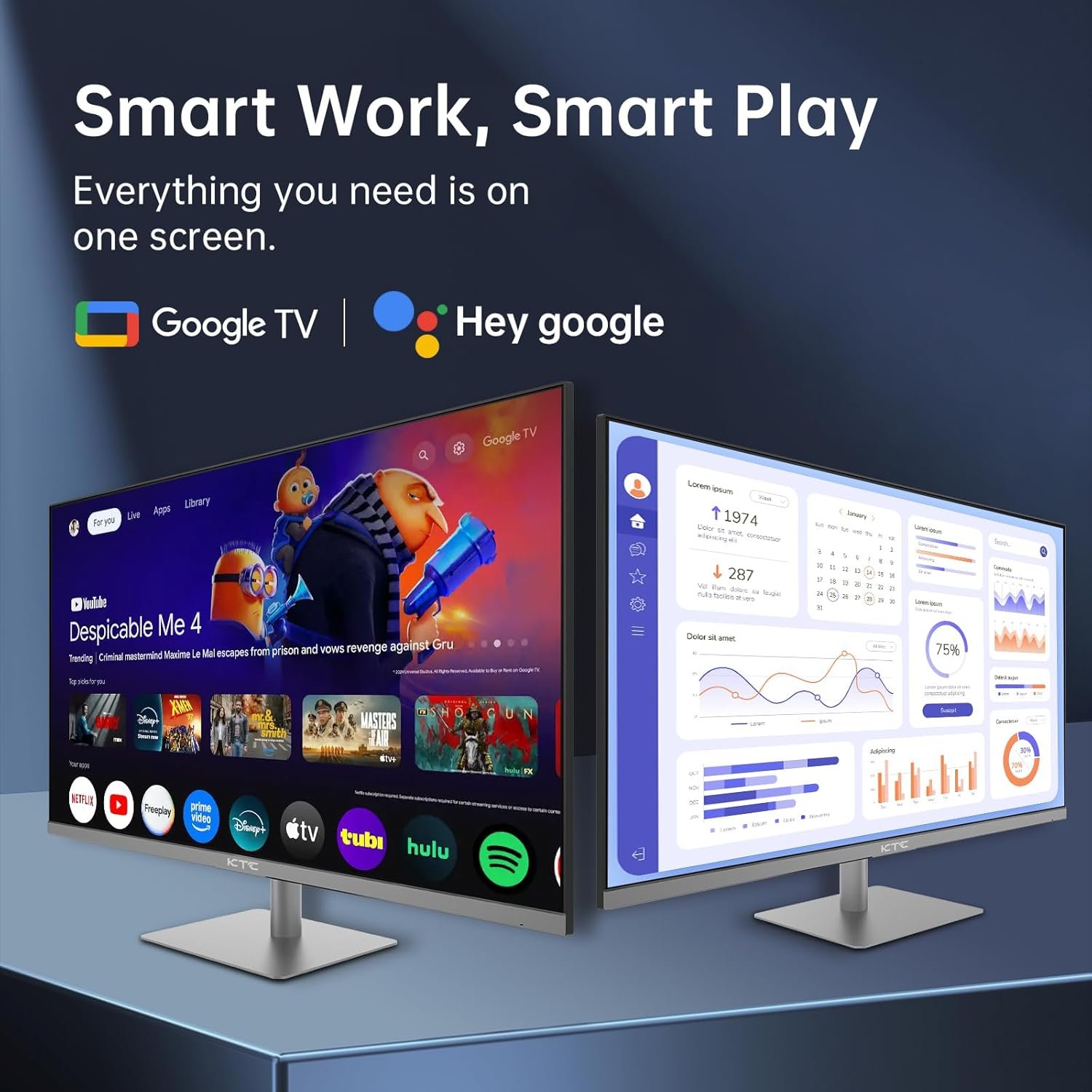
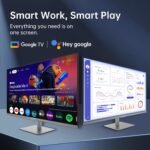
SMART MONITOR–Smart Work Smart Play Smart Work
Enhance Your Workspace: Transform Your Office Experience with Effortless Fluidity!
Smart Play
Switch to Google TV: Conquer Your Workday, Then Escape into Entertainment with Google TV!
1 GoogleTV System
2 Hey Google Voice Remote
3 NETFLIX Licence
4 Dolby Audio
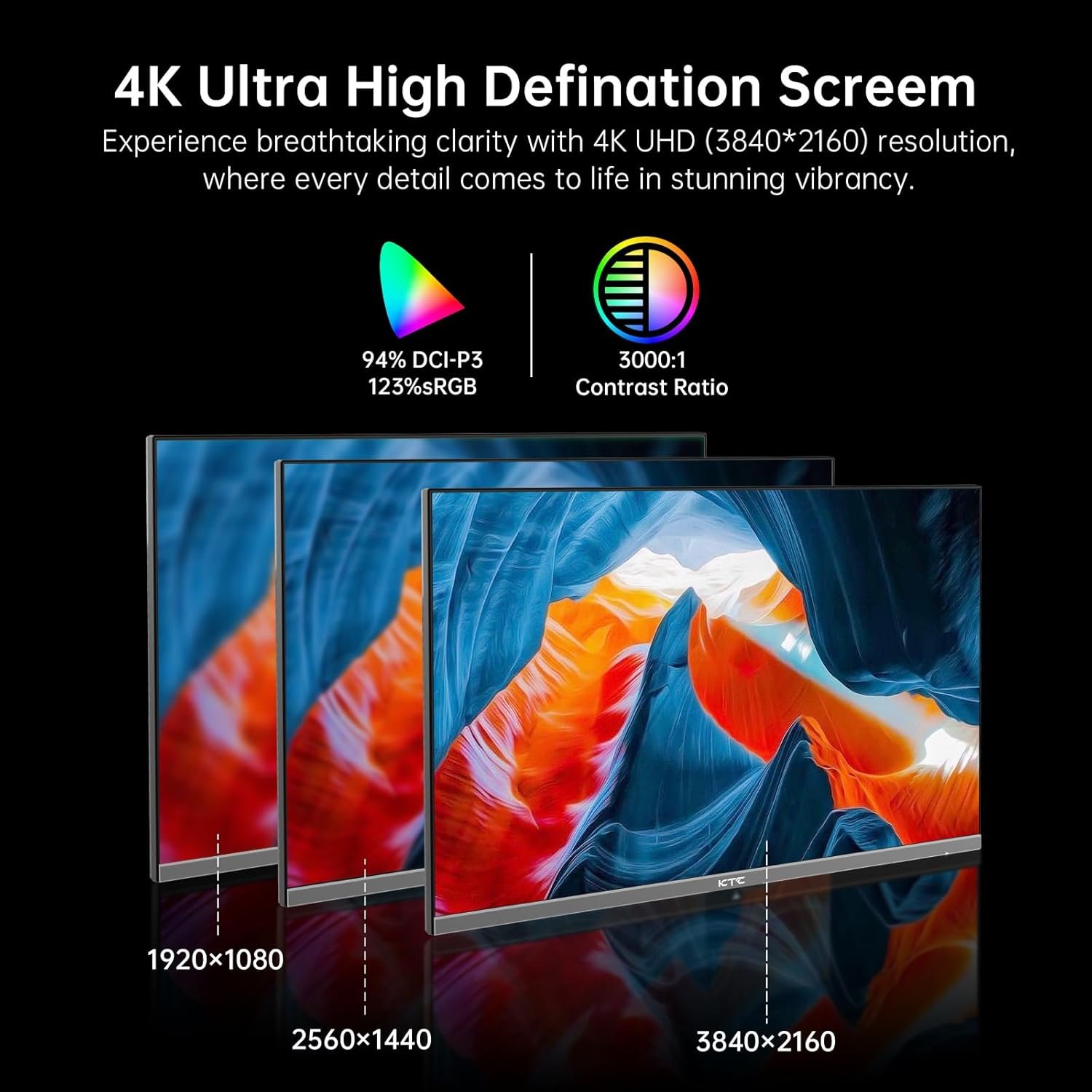
1 UHD(3840*2160P)
2 Color & Contrast
3 HDR400
1 Livestreaming
2 Wireless Connect
3 Type C
Similar Product
Add to Cart
Add to Cart
Add to Cart
Customer Reviews
4.4 out of 5 stars 896
4.4 out of 5 stars 896
4.4 out of 5 stars 1,917
4.4 out of 5 stars 896
4.4 out of 5 stars 1,917
Price
—
$189.99$189.99
$109.99$109.99
$93.49$93.49
—
Size
32 Inch
32 Inch
27 Inch
23.8 Inch
27 Inch
Resolution
3840*2160
2560*1440
2560*1440
2560*1440
1920*1080
Refresh Rate
60Hz
75Hz
100Hz
100Hz
100Hz
Panel
VA
IPS
IPS
IPS
IPS
Color Gamut
123% sRGB
109% sRGB
116% sRGB
122% sRGB
111% sRGB
Speakers
✔
✘
✘
✘
✘
What audio features can I expect from this monitor?
The KTC 32 Inch Smart Monitor is licensed with Dolby Audio, two speakers in 5W providing crystal-clear sound quality that enhances your viewing experience.
Is this monitor compatible with KVM technology?
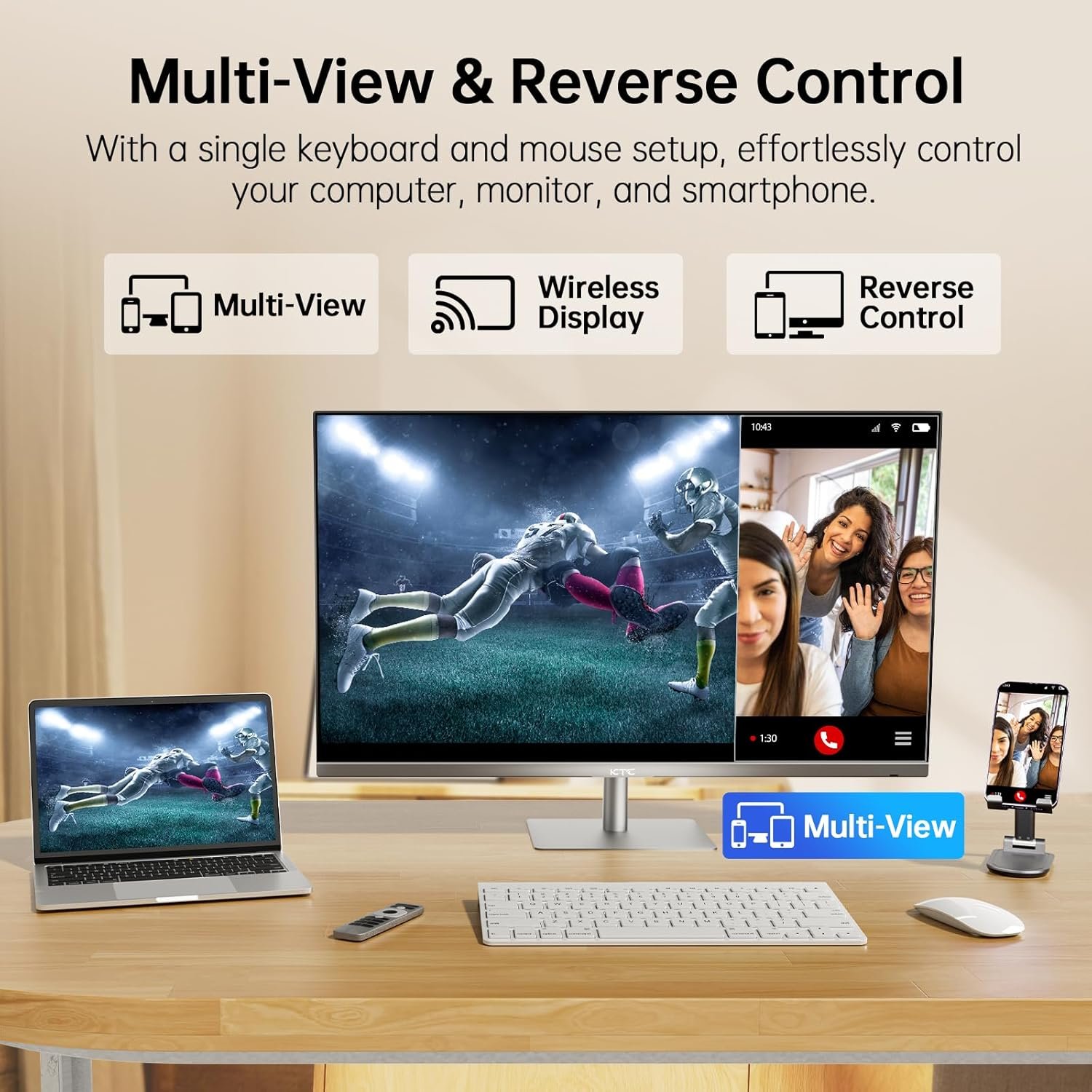
Yes, this monitor supports KVM (Keyboard, Video, Mouse) technology, allowing you to easily switch between multiple devices using a single set of peripherals. This feature enhances productivity and simplifies your workspace.
Can I charge my devices through the monitor?
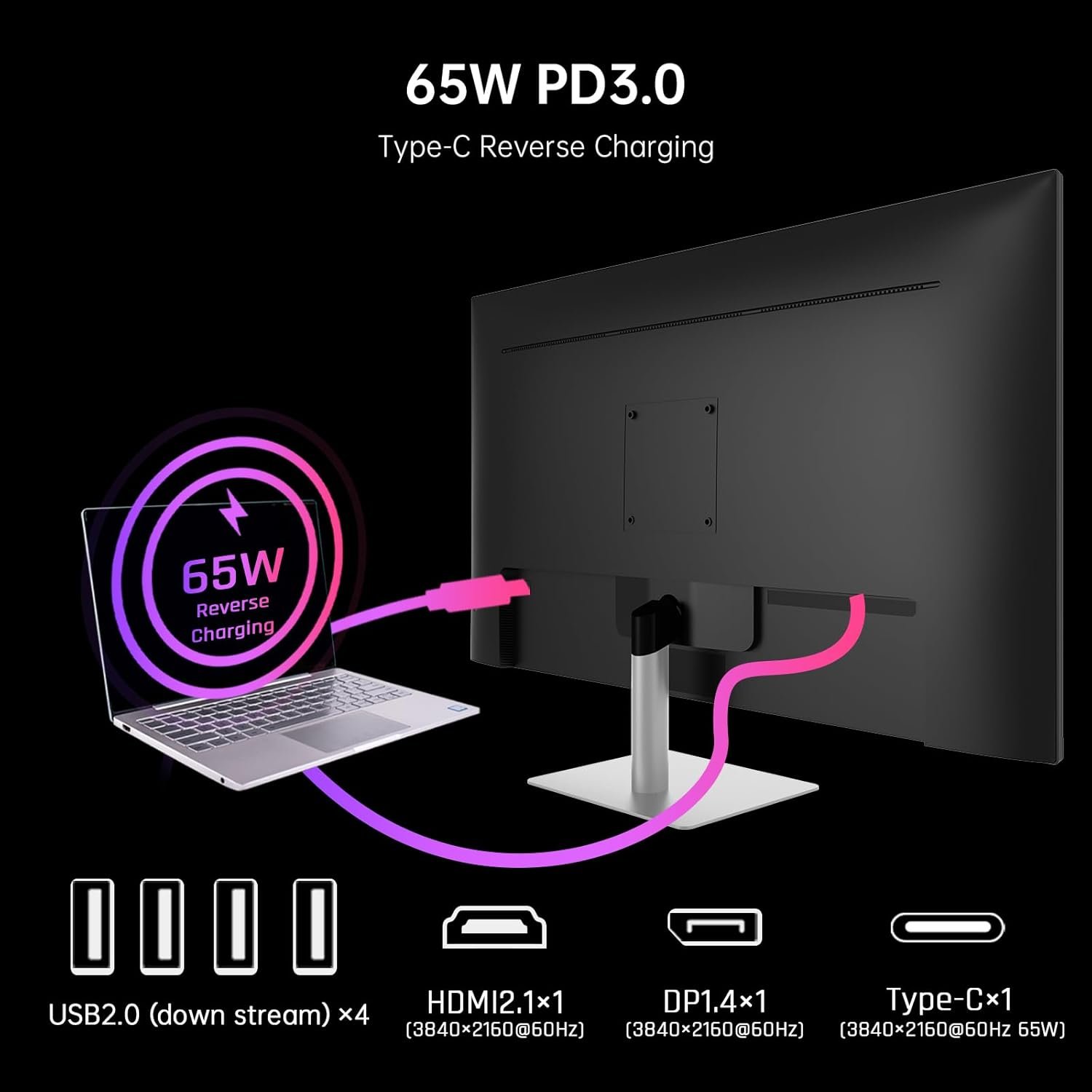
Yes, this monitor features a 65W PD Type-C fast charger, allowing you to charge compatible devices efficiently through a single cable connection, reducing clutter on your desk.
Can the monitor be tilted for better viewing angles?
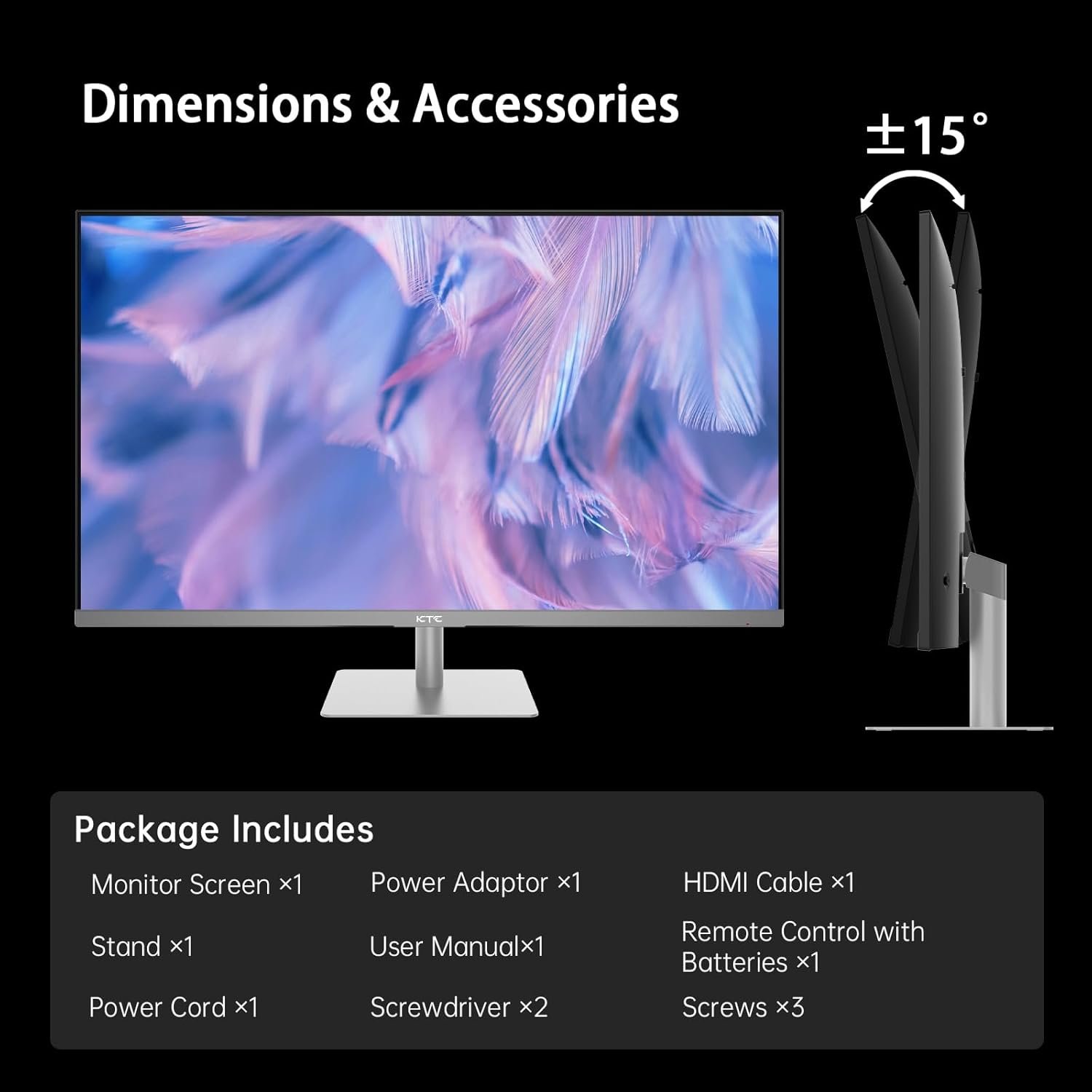
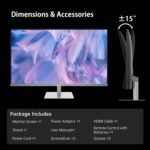
Yes, the design of the KTC monitor allows for tiltable adjustments, enabling you to find the most comfortable viewing angle for extended use, whether you’re working, gaming, or watching your favorite shows.
Does this monitor have low blue light technology?
Yes, the KTC 32 Inch Monitor features Low Blue Light technology, designed to reduce eye strain and provide a more comfortable viewing experience even during long hours of use, making it ideal for work or entertainment.
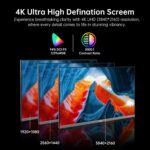
[Stunning 4K Resolution] Immerse yourself in breathtaking visuals with the A32Q8 32 Inch 4K Smart Monitor, which features an impressive UHD resolution of 3840x2160P and 60Hz refresh rate. This 2160P monitor delivers vibrant, rich colors and incredible detail that cater to all your viewing needs, whether you’re watching movies, playing games, or working on graphic design projects.
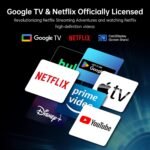
[Integrated Google TV System] Stay effortlessly connected and entertained with the built-in Google TV System, which offers seamless and user-friendly access to all your favorite streaming services. With a few simple clicks, you can browse through a vast library of content, making it easier than ever to discover new shows and movies tailored to your tastes.
[Immersive Movie Experience] Enjoy an unparalleled cinematic experience with this 4k monitor, which features 2*5W speakers, Dolby Audio and HDR support. Coupled with its official Netflix license, this pc monitor delivers immersive sound and stunning visuals making it a smart tv. This 32inch monitor creates the perfect atmosphere for movie nights or intense gaming sessions, ensuring that you won’t miss any detail, whether it’s a subtle sound or a vibrant color.
[Versatile Connectivity Options] This impressive 32-inch smart monitor is equipped with a variety of versatile connectivity options, including WiFi, Bluetooth, HDMI 2.1, Display1.4, USB 2.0 and a powerful 65W PD Type C fast charger. These features make it simple and efficient to connect all your devices, ensuring that you remain productive. Additionally, the KVM technology further enhances multitasking capabilities, allowing you to switch seamlessly between different devices with ease, streamlining your workflow.
[Hey Google Voice Support] Transform your viewing experience with the convenient remote that allows you to easily activate the Hey Google voice feature. By using this voice command, you turn your smart monitor into a fully functional smart TV, enabling a smooth and hassle-free way to search for content and launch your favorite applications with just your voice.
[User-Friendly Feature] Increase your productivity and comfort with the advanced Low Blue Light technology embedded in this smart monitor. This feature is specifically designed to reduce eye strain during extended periods of use, making it an ideal choice for both work and leisure activities. You can comfortably engage in long hours of use, whether you’re working on projects or enjoying leisure time.
Customers say
Customers find the monitor offers good value for money with its crisp display and detailed images. They appreciate its smooth performance and no issues so far. The monitor is suitable for casual use like watching movies or gaming, with a sturdy stand and vibrant colors. Overall, customers are satisfied with the monitor’s quality and build quality.
9 reviews for 32 Inch 4K Smart Monitor with Google TV System 3840 * 2160P Netflix Licensed Type C 65W PD Speakers 5W*2 Dolby Audio Hey Google Voice Remote HDR WiFi Bluetooth VESA Tiltable 32 in Smart TV
Related products

Hisense 55″ Class A7 Series 4K UHD Smart Fire TV (55A7NF) – Wide Color Gamut, HDR10+, Dolby Vision, Dolby Atmos, AI Sports Mode, Game Mode, ALLM, Alexa Built in with Voice Remote, Streaming TV, Black
In stock


TCL 50-Inch Class S4 4K LED Smart TV with Roku TV (50S450R, 2023 – Model), Dolby Vision, HDR, Dolby Atmos, Works with Alexa, Google Assistant and Apple HomeKit Compatibility, Streaming UHD Television
In stock
TCL 55-Inch Q65 QLED 4K UHD Smart TV with Google TV (55Q651G, 2024 Model) Dolby Vision, Dolby Atmos, HDR Pro+, Game Accelerator Enhanced Gaming, Voice Remote, Works with Alexa, Streaming Television
In stock

TCL 65-Inch QM85 QLED 4K Smart QD-Mini LED TV with Google TV (65QM851G, 2024 Model) Dolby Vision IQ HDR, Dolby Atmos, Game Accelerator up to 240Hz, Voice Remote, Works with Alexa, Streaming Television
In stock


WetPig –
A monitor with a absolutely AMAZING Value and quality! Its insane NOT to get it!!
This monitor was not was i was expecting. It was SO MUCH MORE. I went from a 27 inch Sceptre 1080p 144hz curved monitor, to this 32” 180hz HDR monitor and the difference was night and day! The image is so sharp, crisp, and way more vibrant that my last monitor. The response times, when set up to overdrive (Ultra Fast), is actually top tier, no disappointments at all! The HDR10 is something new to me and with having practically ZERO experience with it i cant say how well it manages against other monitors, but i CAN say when playing games that support HDR, there is such a major difference against NOT having HDR that i am actually wondering how i ever played any games without it. The size, honestly, caught me way off guard. I was expecting something bigger than my old 27″, but this is MUCH bigger than i had imagined, im in no way upset about it at all, i was just pleasantly surprised! Video games look soooo detailed on 1440p compared to 1080p which was another thing that made my jaw drop. Playing Horizon: Forbidden West for the first time in 1440p and seeing the literal pores on the characters skin, and the nooks and crannies on cliffs, the details on the machines and so SO so much more, i can actually SEE now! its one of the most amazing experiences ive had gaming in many years! I am so grateful to have picked out this monitor as i was expecting “okay” quality, and got “NEARLY top tier” quality! I cant reccomend this monitor enough, ESPECIALLY as its current price point! One last thing before i go.. if you happen to purchase this monitor, DO NOT forget to go into the monitor settings and turn on OVERDRIVE and FREESYNC/G-SYNC and HDR. You will not get everything out of this monitor that you are wanting if you dont!!
Nikusha –
Title: Great Budget 2K Gaming Monitor – Fast and Affordable!
The KTC Gaming Monitor is an excellent budget-friendly 2K monitor. The build quality isn’t the cheapest, and it feels solid overall. I tested it for gaming, and it performs really well—fast, smooth, and responsive.The colors are nice and vibrant, making it great for both gaming and everyday use. However, the VSync isn’t perfect—it claims to have it, but it doesn’t work as smoothly as expected.For the price, this is one of the best budget 2K monitors you can get. If you’re looking for an affordable, fast gaming monitor with decent colors, this is a great option. Highly recommended!
Amazon Customer –
Excellent Monitor!
Amazing gaming monitor considering the price point and quality. I purchased it for my home office as a second monitor I have an ASUS pro 4k monitor NOT as bright and vivid colors like this one. If you are in to gaming and overall PC productivity buy it with confidence. Love how fast and responsive the refresh rate and image equality, color sharpness etc. 5 Stars all day long
XcapeArtix –
Moderately good monitor
The overall design is standard plastic with a fairly thin bevel along the top and sides. It’s actually nearly identical to a flat 34″ monitor I have from 7 years ago. But it’s lightweight. I hardly notice the light from the LED ring on the back of the monitor – it’s pretty dim. There seem to be no settings to control the LED light, other than turning it on/off.When waking up from sleep, the monitor takes a full 3-5 seconds to turn on after my laptop is awake. A few times, the KTC monitor did not turn on at all. I had to manually turn the monitor off, then back on. So that’s not so great. This was not an issue with the last 34″ UHD wide monitor that is about 7 years old (which I still use), so it’s not the laptop causing the long lag time in waking up.StandThe stand is sturdy enough to prevent the monitor from being knocked over by accident; however, if the desk shakes, the monitor shakes slightly more than my other 34″ that is connected to a desk mount. My main issue with the stand is that it does not lift the monitor very high, only about 6.5 inches between the surface of my desk and the bottom of the stand. So the top 3.5 inches of my laptop obscures the bottom of the KTC monitor. And the laptop covers about half of the length of the monitor. That’s quite a lot of monitor being blocked from view, a very annoying situation when working with programs that place controls along the bottom of the screen.Screen / Image QualityI did have to adjust the color, brightness and contrast to get a closer match my laptop, which has a very bright, high-end display. Out of the box, the color and contrast of the KTC monitor appear washed out and too gray to me. After increasing brightness, saturation and contrast, I had to bring the black point down quite a lot to get something that does not appear to have a wash of light gray over the colors. As a result, I find my “Custom” color setting way better than any of the pre-installed color modes offered in the settings menu.GamingI don’t game off this monitor; however, with a Thunderbolt 4 to DisplayPort cable, I’m getting full resolution at full refresh rates. I don’t need the high refresh rate, but the monitor deliveries in these aspects.Overall RatingI’ve had the monitor for less than 2 weeks from the time of writing this review, so perhaps my opinions will change over time.I think this monitor is fairly good for its price range, so I’m giving it 4 out of 5 Stars. If compared to higher end monitors, this would probably be 3 out of 5 for image quality.Also, I purchased during a sale of over 30% off. That put it at about half the price of many other monitors at this level, which is pretty good. Knowing the image quality now, I don’t think I would buy this monitor at full price. At a discount, totally worth it.I do a lot of 3D and video editing work, so color and clarity are important, but not essential. This monitor is in no way a monitor that should be used for exact color correcting or color matching. But, for doing things like creating textures for 3D assets, game engine editors, and video editing where perfect color is not so important, then this monitor works well.
Darshana S. –
This monitor honestly shocked me. A high refresh rate 27″ monitor for $250 CAD had me skeptical but I must say I am amazed. The build quality and design are exceptional, but most importantly the screen is beautiful. The high refresh rate is like a breath of fresh air and the colour has incredible potential. Out of the box the colour is okay, but with a little bit of tweaking with the monitor and your PCs settings it becomes phenomenal. This is pretty much everything you could want in a gaming monitor.
Bernard Miranda –
For under 200$, I like this 27″ 1440p 180Hz KTC monitor. Before purchasing, I was comparing it with more popular brands but I decided on this brand as it had reviews giving this really good marks. I would say it does punch above its price bracket and it performs nicely as expected. With a capable graphics card I think it can go up to 180Hz refresh rate, but my setup only goes to 144Hz with the Display Port which still gives a nice visual feel. Based on an objective review I read, the monitor needs a bit of a parameter tune up to attain the correct colors and it is easily done. Cons: I found a dead pixel, but it is so far into a corner of the screen that I do not notice it. The original base mount is not height adjustable, but I have it mounted on a vesa desk frame and it sits much higher than oem. The bezel is not as thin as I thought it would be, it is around 7-8mm compared to the frame that is only 2mm thick. Finally I do see that it is a little bit dimmer on the bottom corners compared to the top corners and this is somewhat common from other online reviews. Overall I am still satisfied with this monitor and I recommend it.
Ben –
The monitor was packaged well, and came with a display port cable which i wasn’t expecting but did need. The build quality is good, stand is sturdy aluminum with powder coated paint, and i like that i could use a 3rd party monitor stand if required for additional adjustment. Assembly was quick as i needed to install 2 screws, tools required were included in packaging.Coming from a 28″ 1080P monitor upgrading to this took me a bit of time to adjust my eyes, but after a while i really enjoyed the size and curved aspect of the monitor as the image at the corners are not distorted as the screen is normal to your eyes. Colors are vibrant, and the refresh rate is more than sufficient for me.Highly recommend, and would buy again.
GenjiGulps –
The panel itself is clear, smooth, low ghosting even compared to more expensive IPS monitors, the colors are nice and vibrant, the brightness is okay, 300 nits is perfect for most, just don’t have a widow right in front of it, likr most displays around 250-400 nits, the stand itself feels great but not super adjustable, Just tlit but made of solid metal, Almost no IPS glow, which was surprising but not perfect, 1440p IPS at 180 hz is definitely the way to go, if you’re not planning to use HDR, which for gaming isn’t really recommended
Sagan –
Wow, this is bad.The screen brightness reminds me of the screen I`ve had in a call center in 2005.G-Sync and HDR are not recognized as certified by Nvidia or Windows, so it is a straight lie in the description.The sides of the screen is weird, actual display screen don`t go as near to the edge as one would expect.This is the worst piece of electronic I have bought on Amazon for a long time.Be smarter than me, fork out a few more bucks and get a decent brand who is actually certified for the things they say they offer.