


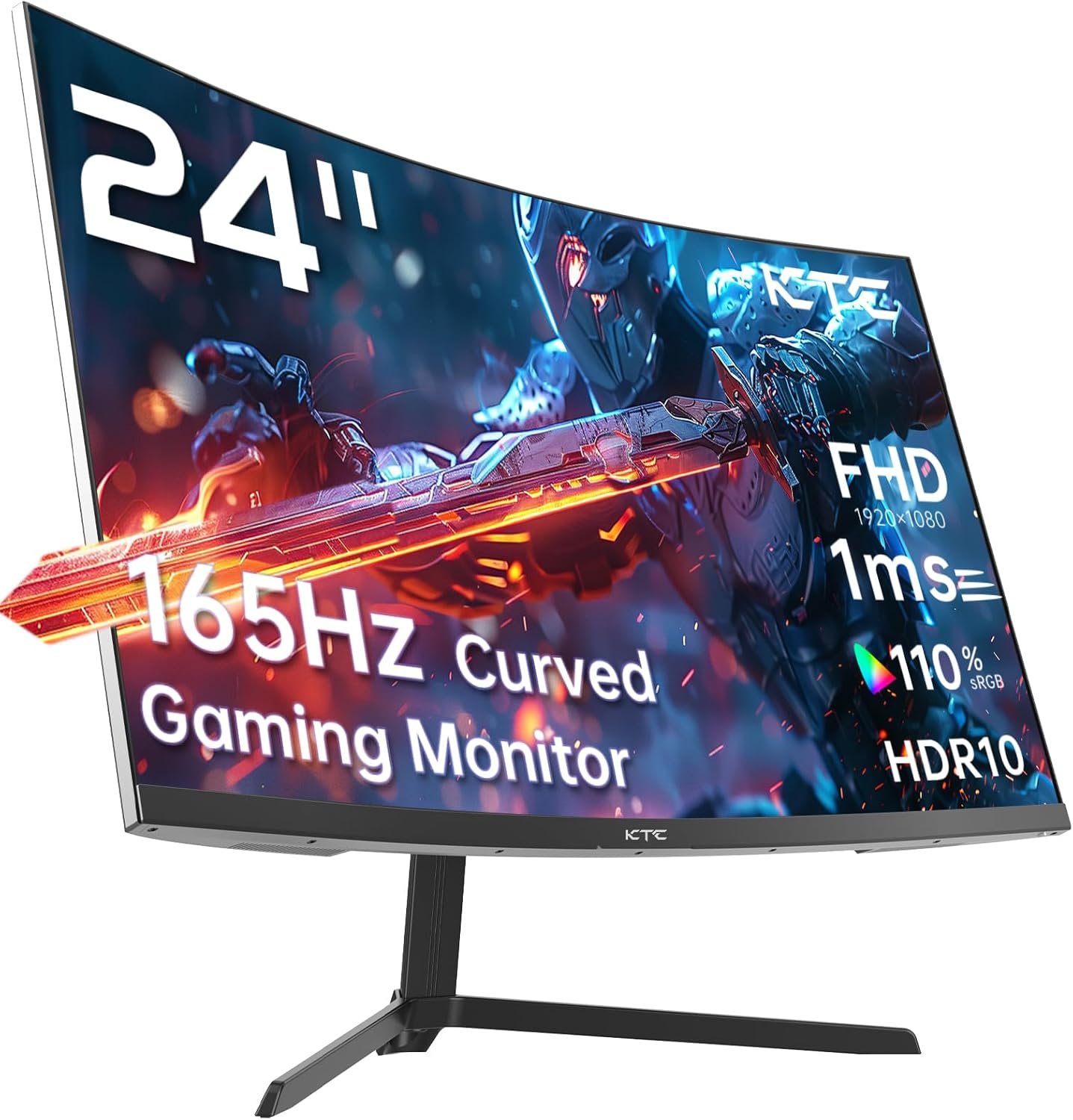

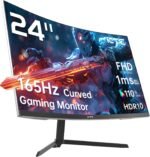


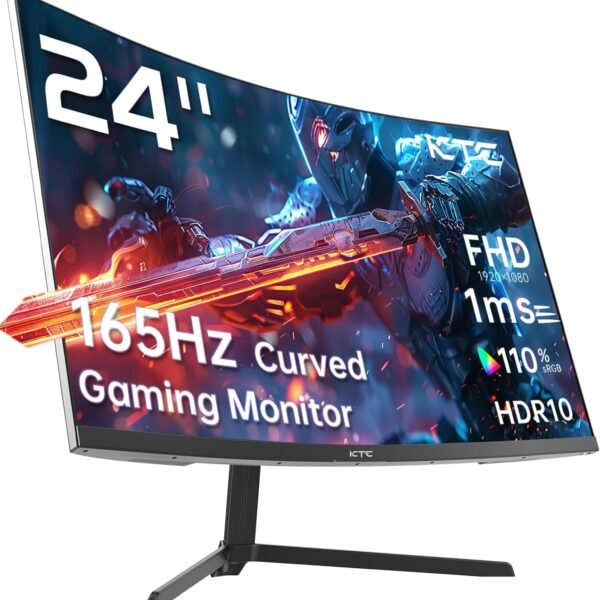
24 inch 1500R Curved Gaming Monitor 165Hz 1ms FHD 1080p VA Tilt Adaptive Sync HDR 110% sRGB DP/HDMI,VESA for Gaming Home Office Business PS5 PC Monitors
$124.99
Price: $124.99
(as of Apr 03, 2025 20:11:31 UTC – Details)
Product Description
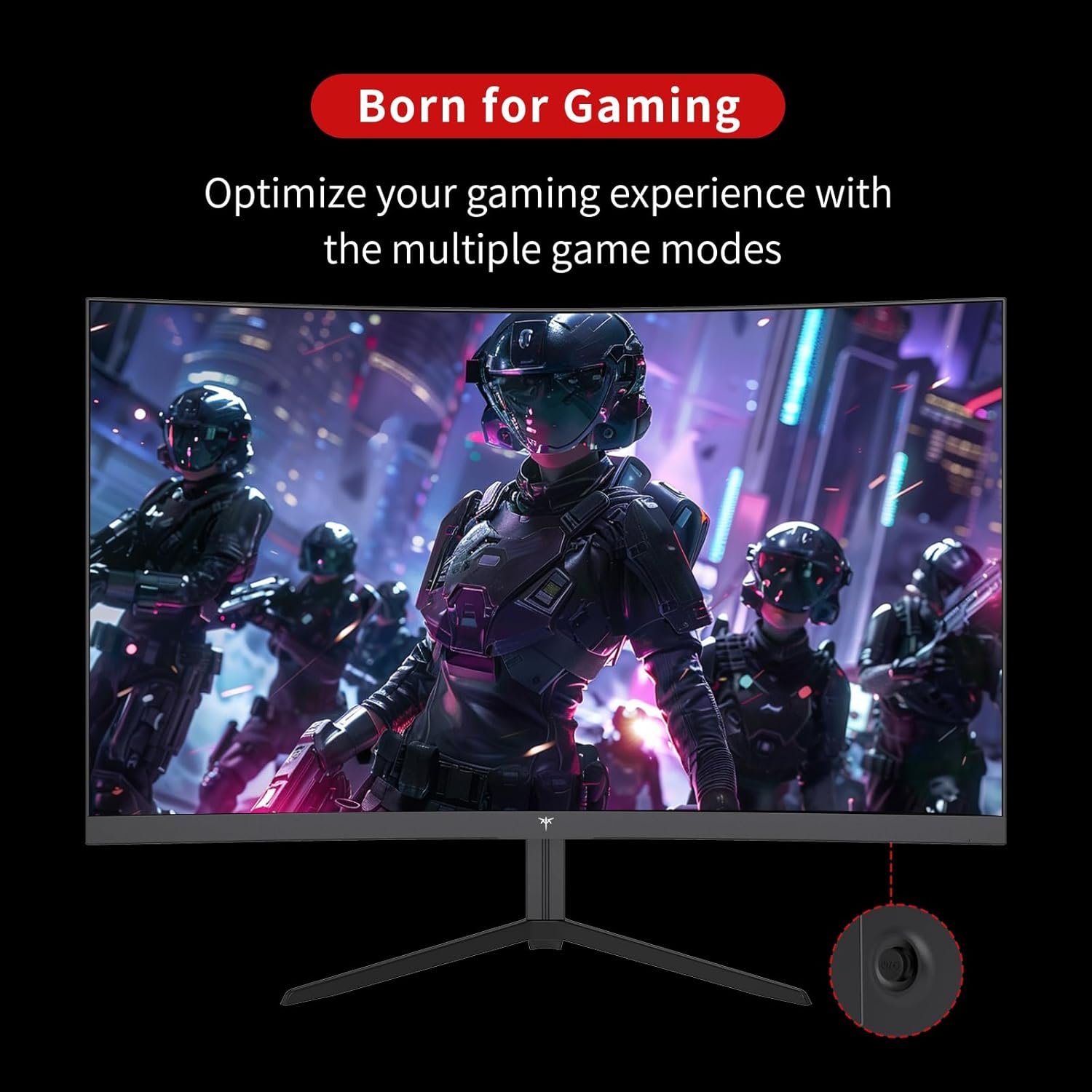
Born to Game : 23.8” 165Hz Curved Be the Core of your Play :165Hz 1500R Curved Gaming Monitor
Made for gamers
FreeSync technology offers gamers a smooth tear-free gaming experience at the highest performance
Flicker-Free
Eye-Friendly Technology
Reduce screen flicker and blue light to minimize eye strain.
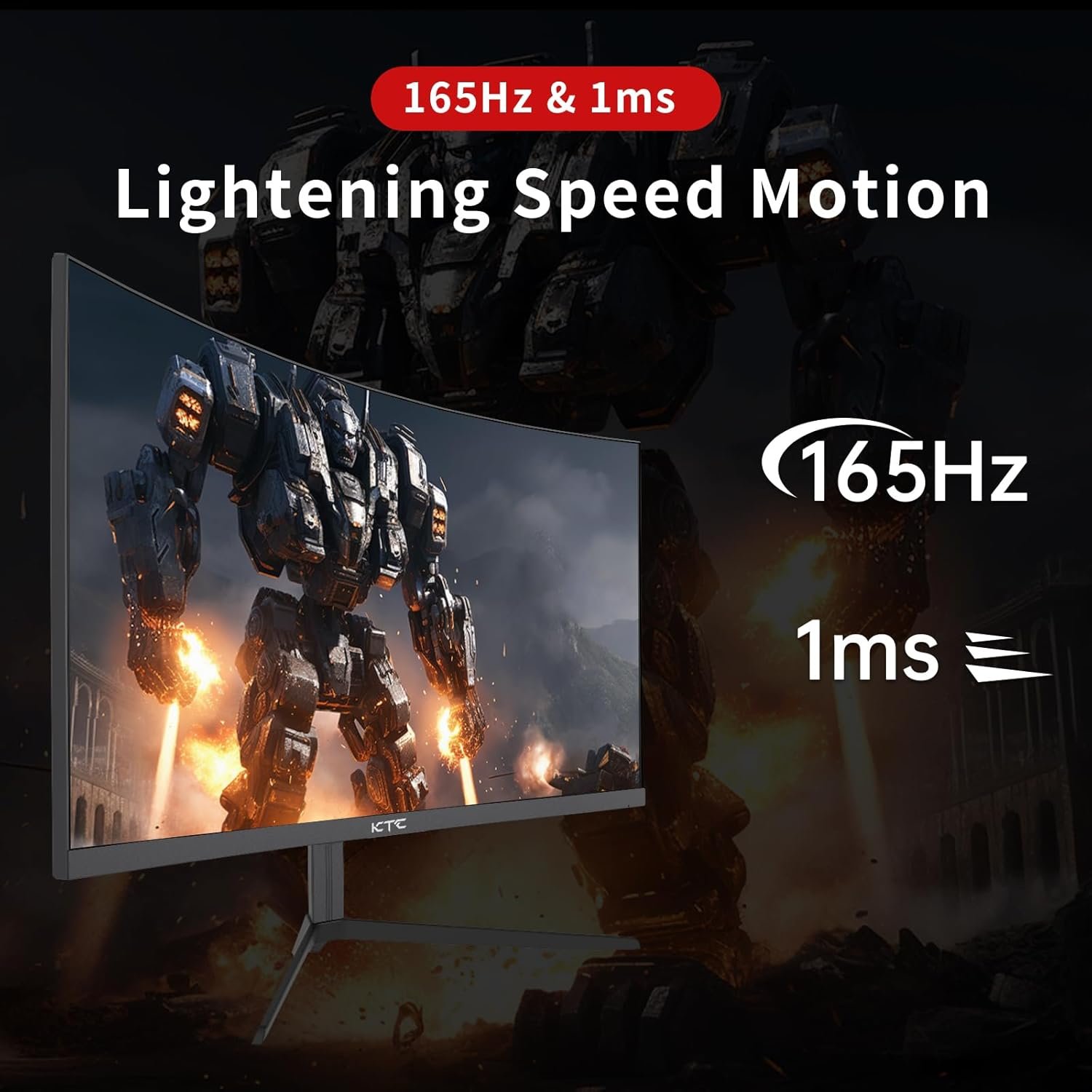
165Hz &1ms
Bring you a smooth gaming experience with 1ms response time and 165Hz refresh rate
1 FreeSync
2 Flicker-Free
3 VA 3000:1
4 165Hz &1ms
1500R Curved Screen
1500R The slightly curved computer monitor offers an impressive and comfortable viewing experience.
Multiple Application Scenarios Possible
You can connect it to your game console, PC or laptop.
VESA Mount Compatible
1 1500R Curved Screen
2 Ports
3 VESA Mount Compatible
178° viewing angle
Enjoy consistent colors and clarity from any angle with a 178° wide viewing angle.
H24S17——The Champion of Powerful Gaming
Add to Cart
Add to Cart
Add to Cart
Add to Cart
Add to Cart
Customer Reviews
4.4 out of 5 stars 930
4.4 out of 5 stars 930
4.4 out of 5 stars 1,973
4.4 out of 5 stars 1,973
4.4 out of 5 stars 930
Price
$124.99$124.99
$159.99$159.99
$109.99$109.99
$109.99$109.99
$189.99$189.99
Curved Gaming Monitor
✔
✘
✘
✘
✔
Refresh Rate(Hz)
165 from dp to hdmi
280
165/144
180
165
launch time
August 2024
Oct 2024
October 2023
August 2024
March 2024
Contrast
3000:1
4000:1
1000:1
3000:1
3000:1
Screen Size
23.8
27
23.8
24.5
31.5
[1500R Curvature &165Hz Refresh Rate]The KTC 24 inch curved monitor is ideal for gaming. This amazing 165Hz gaming monitor ensures a seamless visual treat. The 1500R curvature of this computer monitor curved adds depth, and this monitor for gaming guarantees perfect angles.
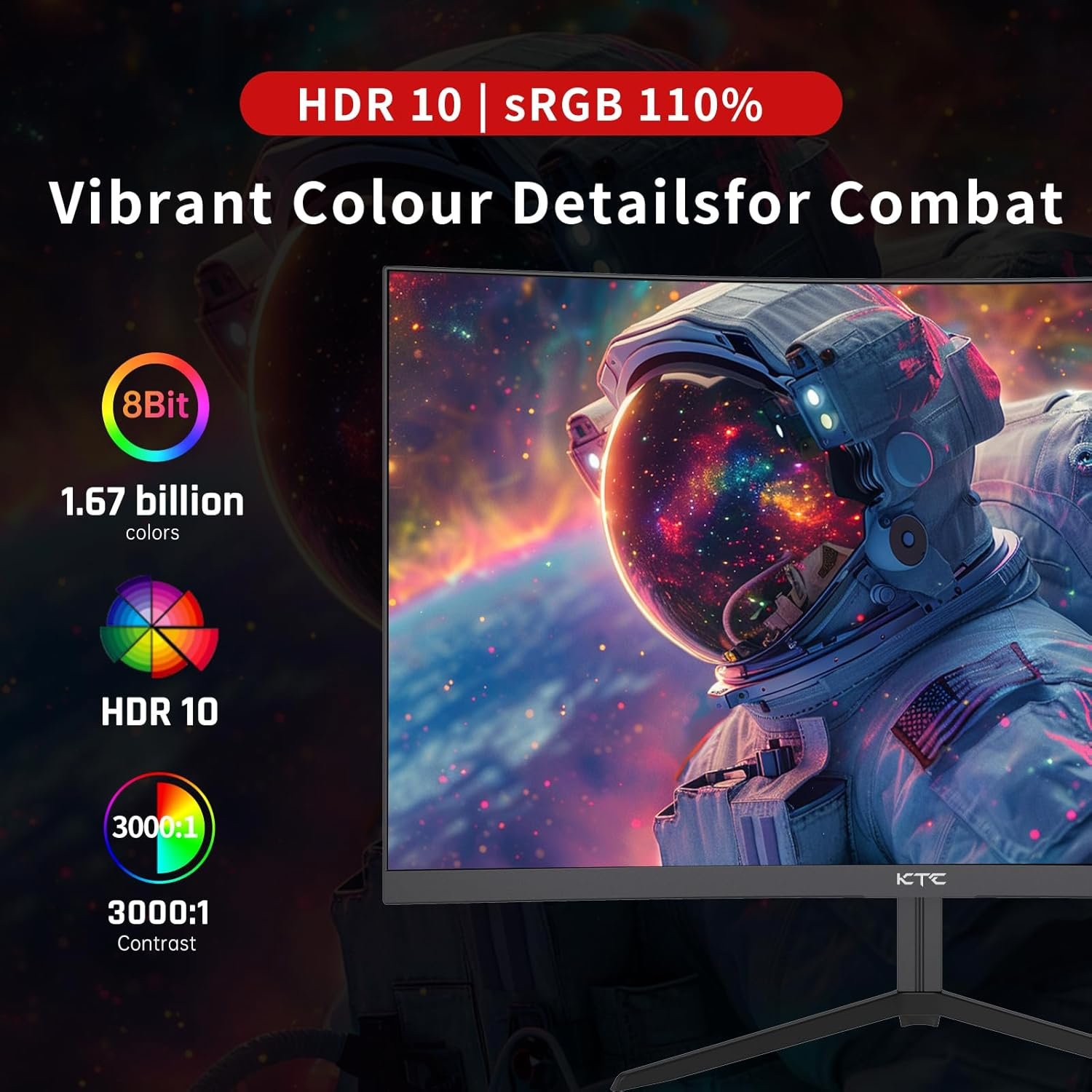
[Excellent Color]With 250cd/m2, 8bit, 16.7 Million color gamut, 3000:1 dynamic contrast, and 90% DCI-P3, this monitor display offers rich hues. This pc monitor gaming catches image details well.
[Advanced FreeSync]It offers smooth images in fast scenes for gaming monitors. Reduces latency and image issues. Makes this best rated gaming monitor stand out.
[FAST 1ms RESPONSE TIME]Clear and smooth motion on this 24 inch gaming monitor, less blur. Enables top-level gaming with this game monitor
[Versatile Connectivity and Comfort] This pc gaming monitor comes with Flicker-Free technology, Blue Light Filter, and FreeSync, better adapting to the needs of gaming and business. It includes HDMI 2.0 x 2, DisplayPort 1.4 x1 and audio out, compatible with wall mountable VESA 100x100mm standard. Front and rear tilt from -5 degrees to -20 degrees ensures ergonomic comfort. This also supports dual monitors setup, making it a versatile choice for any computer monitor needs.
Customers say
Customers praise the monitor’s picture quality, with one noting its amazing contrast, and appreciate its performance, with one mentioning it works well for both gaming and regular use. The build is sturdy with a stable stand, and customers find it easy to set up and connect to PCs. They like its size, with one noting it accommodates multiple windows, and appreciate its refresh rate, with one describing it as very smooth running 1440p. The brightness receives mixed feedback, with some finding it good while others say it’s not that bright.
9 reviews for 24 inch 1500R Curved Gaming Monitor 165Hz 1ms FHD 1080p VA Tilt Adaptive Sync HDR 110% sRGB DP/HDMI,VESA for Gaming Home Office Business PS5 PC Monitors
Related products


Hisense 100-Inch Class U8 Series Mini-LED ULED 4K UHD Google Smart TV (100U8K) – QLED, 480 Motion Rate, 144Hz Game Mode Pro, Dolby Vision IQ, HDMI 2.1, Alexa Compatibility, 2.1.2 Multi-Channel Audio
In stock

Hisense 75-Inch Class U6 Series Mini-LED ULED 4K UHD Google Smart TV (75U6N, 2024 Model) – QLED, Motion Rate 240, HDR 10+, Full Array Local Dimming, Game Mode Plus, Alexa Compatibility
In stock

LG 55-Inch Class UT75 Series LED Smart TV 4K Processor Flat Screen AI-Powered with Alexa Built-in (55UT7570PUB, 2024)
In stock



TCL 55-Inch Class S5 UHD 4K LED Smart TV with Fire TV (55S551F, 2024 Model), Dolby Vision, HDR PRO+, Dolby Atmos, Alexa Built-in with Voice Remote, Apple AirPlay 2 Compatibility, Streaming Television
In stock


Chris C –
I’m Not A Gamer And I’ll NEVER Spend A Lot Of Money On A Monitor
I’ve been using this Viewsonic VX2778-SMHD 27 inch monitor since Jan, 2017, Very nice monitor! But, then I built a dream machine. i7-14700K on an ASRock Z790 Riptide motherboard with lots of SSD’s and NVME drives. 48 gigs of very fast RAM and two DVDRW’s. I’m pretty good at this and I did my very best not to allow any bottlenecks and not spend money on silly things. It absolutely screams; it gets stuff done fast! I also have an older Intel computer, an AMD computer, and a Raspberry Pi in here. So I have an HDMI KVM switcher and an HDMI audio extractor (audio goes straight to a competent home stereo). So, I don’t play any games anymore, but I do want to get stuff done!There came a point where I wanted to make use of this somewhat better video card that’s better than anything I’ve ever used. (Still not for gaming, tho.) I scoured Amazon. I ended up getting an NVidia GeForce GTX 1660 used, that was DIRT cheap! I chewed my nails wondering if it was going to work, but it did and it does! From the first momen, for about 9 or 10 months! I forget how much memory it’s got, but it’s up there. So, now, I had this video card mostly going to waste (Except for hardware acceleration; that’s really nice!) So, I measured how much room I have. If I looked at monitors with really thin frames around the screen and measured and did the math… I decided on 32 inches. I scoured Amazon again and got to this monitor: (KTC H32T13 32 Inch)I had a little trouble. First of all, I’m lazy. I was still building that i7 and I set the monitor aside after unpacking it and went through all my other stuff I had to do first. (The other 2 computers mentioned above both needed some help.) (And the computer room needed some rearranging.) There’s also that fact that there was absolutely nothing wrong with the old Viewsoni; there was no pressure… Anyway! From March 22nd until just now – two days ago – it just sat there. I don’t even know where the quick start guide or whatever it is, went to, and I didn’t want to conduct a lengthy search. Someone wrote that the power button is in a bad place. It’s not that bad at all. I spent a little while finding it; reach your hand around the monitor’s right side, near the bottom and feel for it. It sticks way out. The only time I have to reach for it is when I’m leaving the computer room to watch TV or go out or whatever. I can’t reach it sitting down, but I’m getting up anyway at that point. Then I was totally puzzled, trying to figure out how to set the settings on the monitor. It wasn’t bad, but I wanted to tweak the brightness, contrast, hue, gamma, etc. It took me quite a while to figure out that that power button, which is also a menu button (if you just touch it instead of holding it for three seconds) IS ALSO A JOYSTICK! Remember that! You can move it left, right, up, and down. Once I figured that out, it has a VERY logical, easy to use menu, unlike the Viewsonic mentioned about. The next problem I had was that a lot of things were ghosted in the menu and couldn’t be selected. Scratching my head, I theorized that probably the video card was running the monitor and I turned to the NVidia Control Panel on the computer. There are at least three different places to set all that on that i7 machine, but it ended up being the screen display settings that did it.I love this monitor now! Plenty bright, fast, 2K, really great picture!! If the power button in the back is even a negative, I don’t mind a bit. Everything else about it is outstanding! In about a minute, I had all those settings set. Beautiful bright, colorful screen! Perfect! I also have an older Silicon Dust HDHomeRun dual tuner. I encountered something that’s never happened before! Watched “The Rifleman” in black and white. NEVER BEFORE have I had perfect black and white! Always some kind of tinge, usually in the dark places. I mean PERFECT black and white! Then I watched some stuff on Charge! (Streaming) and I adjusted color saturation and hue and got the skin tones right. Absolutely perfect picture, no matter what I do, now!!This is not a cheap budget monitor; this is an inexpensive performance monitor that works extremely well! I completely recommend it and I think it’s a super nice deal for the money!!
Michael Ashcraft –
Amazing Display for the Price!
I’m blown away by this 24-inch 100Hz 1440p IPS monitor! The picture quality is fantastic—crisp, clear, and vibrant colors that really pop. The 1440p resolution is perfect for everyday use and gaming, and the 100Hz refresh rate makes everything feel smooth, especially during fast-paced games.The IPS panel ensures the colors stay consistent from any angle, and the build quality is solid. It’s also super easy to set up, and the screen is the perfect size for my desk. If you’re looking for a high-quality monitor that doesn’t break the bank, this is a great choice!
itwasntme44 –
1440p 27″ 240Hz review
TLDR: If you have a 1080p 24″ 144hz or slower monitor and you’re looking for an upgrade, this will do nicely.I’ve been using an older monitor for gaming; the specs above. It was fine. I didn’t know what I was missing. I don’t know if I’m just that much older or if it’s the newer tech, but the 27″ 1440p is fantastic. Even when I drop in-game scaling down to 1080p, it just looks better: I can see details across map that I couldn’t before.One problem I’ve had: the VESA mount. The mount I have came with screws. They worked fine on the older monitor. They are too long for this one. I need to get either spacers or shorter screws to get the monitor snug.Connecting to the PC was easy with the included DP cable. It needed some color adjusting out of the box. Of course. But HDR works, resolution and refresh rate all work great. (My poor 6700xt isn’t enough to really drive the high frame rates I’d like to see, but that’s a fixable hardware problem.)Connecting the Xbox series S was fine too. I needed to tinker a bit with settings to get the resolution and frame rate I wanted, (I can’t get HDR to work unless the xbox switches to 4k and drops down to 60fps in game but not allowing 4k in the xbox settings fixes the problem) but when I got it dialed in games look great at 1440p 120 fps!There was a pleasant surprise here. It has KVM support, which isn’t clearly stated on the page here. I thought it might because it has usb C and usb A hookups, but it does works. When I plug my phone into the usb C port (with the right cable: some are crap) Samsung Dex fires right up when I switch to the usbC input and my keyboard and mouse control the phone functions. Even sound plays through the usbC cable and volume control and media pause un-pause on my keyboard work. Switch back to the DP input for my Pc and keyboard mouse control go right back to the PC. Even the RGB on my Razer Keyboard works running it through the monitor. It switches to the default pattern when I’m on the phone input, but it goes back to my preselected pattern when I switch back to the PC input.I’m very pleased with this monitor.
James B. –
Too thin and short power cable
This is a good basic monitor, not expensive, well-made, thin frames, 2K resolution is nice. I bought it to use as a second one on a mounting arm. Unfortunately, the power cable is too short, and I was forced to buy an additional power strip that has attached under my desk, especially for this monitor. And monitor power cable is so-so thin… Also, I don’t like a monitor’s menu. Adjusting brightness is easy and very intuitive, but if you want to change a color temperature…. it has only 3 predefined modes there + a custom mode. But “custom” is still lacking a simple cooler/warmer slider, and is too complicated to use for such kind of monitor. This is not a professional color grading monitor, please make it simple to use.
j a parkinson –
Do Not Buy! This isnt real, the pictures shown all show 1920 x1080p but is advertised as 2560 x 1440p, This is not a 2K monitor and should not be advertised as such.
Iron Mouse –
I’m very pleased with this monitor. Overall, the screen is bright and sharp, and the monitor as a whole is slim and lightweight. As others have noted, the bezels are very narrow (3mm) but there is a black border at the edges of the screen that takes away another 6mm, so it’s not quite as impressive as the ‘illustrations’. I sit fairly close, so I do notice some fading at the corners. This is due to viewing angle, not an actual defect, and it’s pretty subtle. I find that the monitor wakes up more quickly than my old one. The included stand is humble, but probably adequate. I use a wall-mounted monitor arm, so I was happy to not pay a higher price to have fancy stand. Out of the box, the colour balance seemed very blue, so I did make some adjustments to that when I set it up.
andrew –
The screen isn’t bright enough, and snow doesn’t look white on that monitor. Watching 4K content on my 40-inch 1080p Samsung TV looks better than QHD on this 32-inch monitor, which has no speakers and no upscaling to QHD.This monitor is only for gaming, watching anything from your Android box looks terrible.
Anon –
For the price you can’t go wrong, got it on sale for $212 and it’s awesome. Colors look good, 100hz, multiple inputs, and coming from a 21.5” monitor it’s massive, I love it. Probably one of the best bang for your buck monitors on Amazon.
Ramin H. –
This is a good monitor, 75Hz for the price is good too, and no dead or hot pixels. So far so good, but the only button behind the monitor for everything including OSD settings drives me nuts! I have to move the monitor and bend my hands to access it every time which is frustrating beyond belief! The first time I used the monitor it took me half an hour to adjust the settings to my liking and I had wrist ache for a week! Then I realized I had to do this every time I want to access the presets (not to mention it’s tricky to access) which I do it quite often for watching movies or playing video games. All the brains in the world wouldn’t have been able to come up with such a genius idea, I kid you not!