


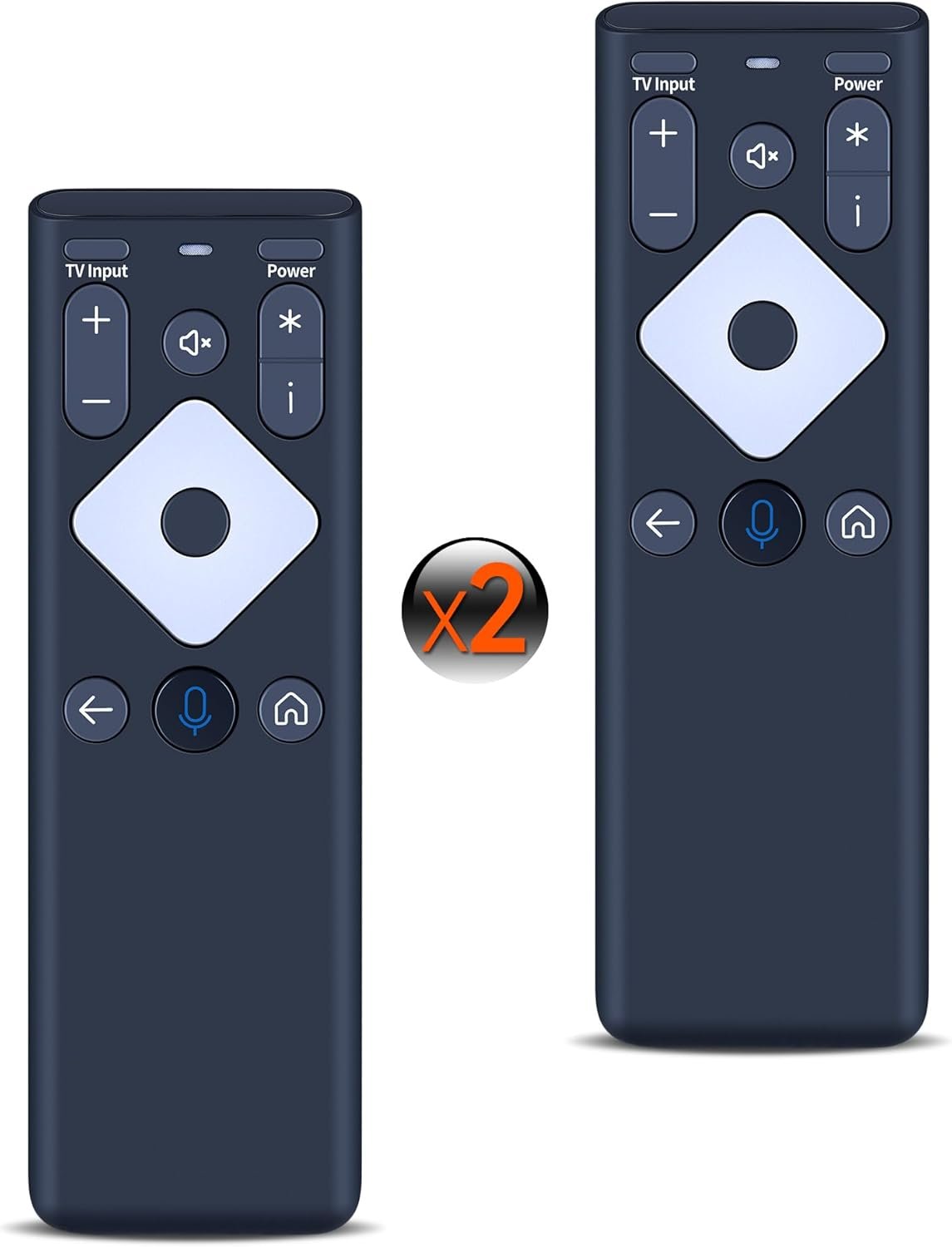







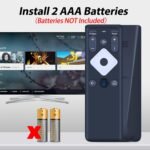


(2 Pack) XR16 Voice Replace Voice Remote Control for Xfinity Comcast TV Box Compatible with Flex Streaming Device Only
$23.99
Price: $18.19 - $23.99
(as of Jun 13, 2025 18:24:36 UTC – Details)
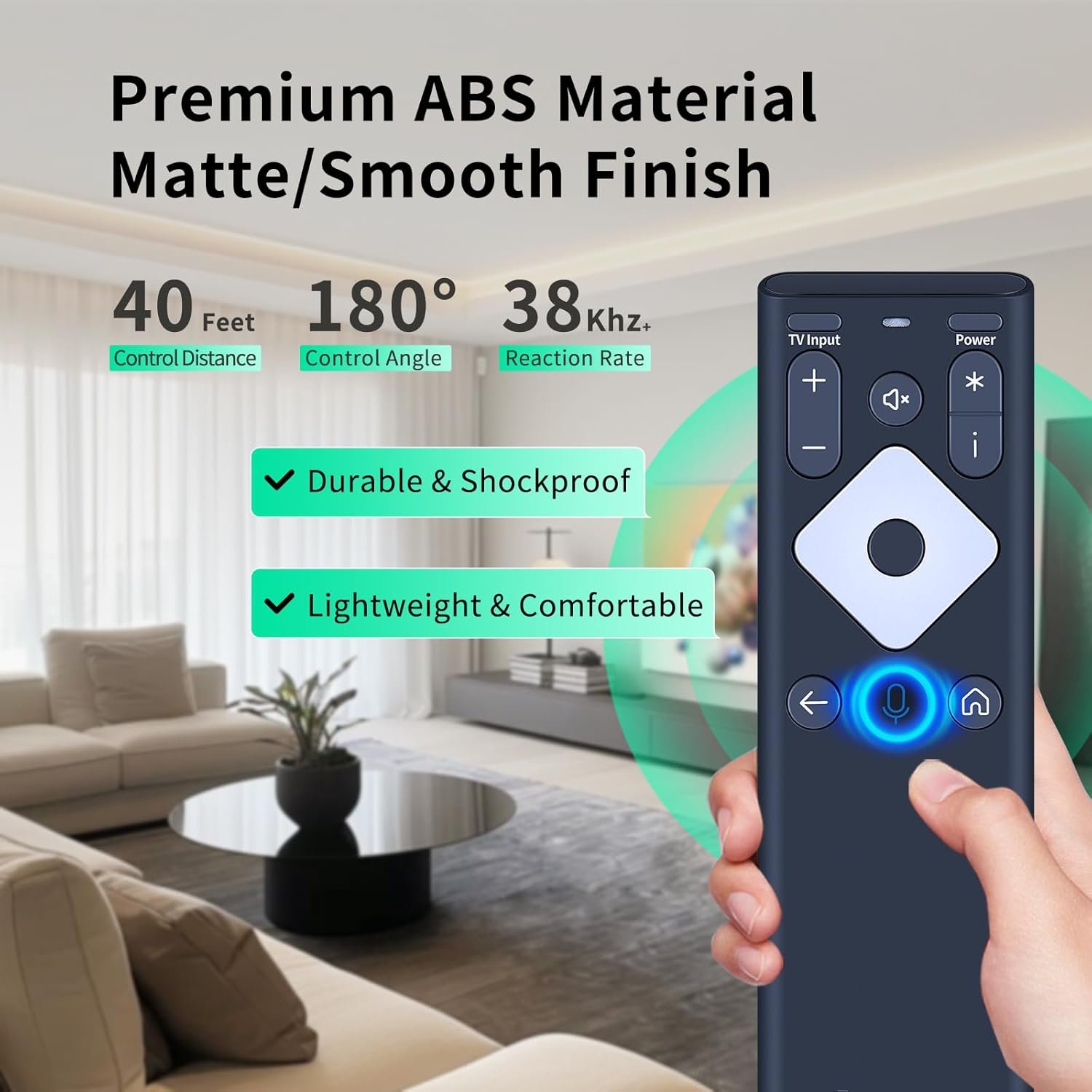
XR16 Replacement Voice Remote Control for Xfinity Comcast TV Box Compatible with Flex Streaming Device Only
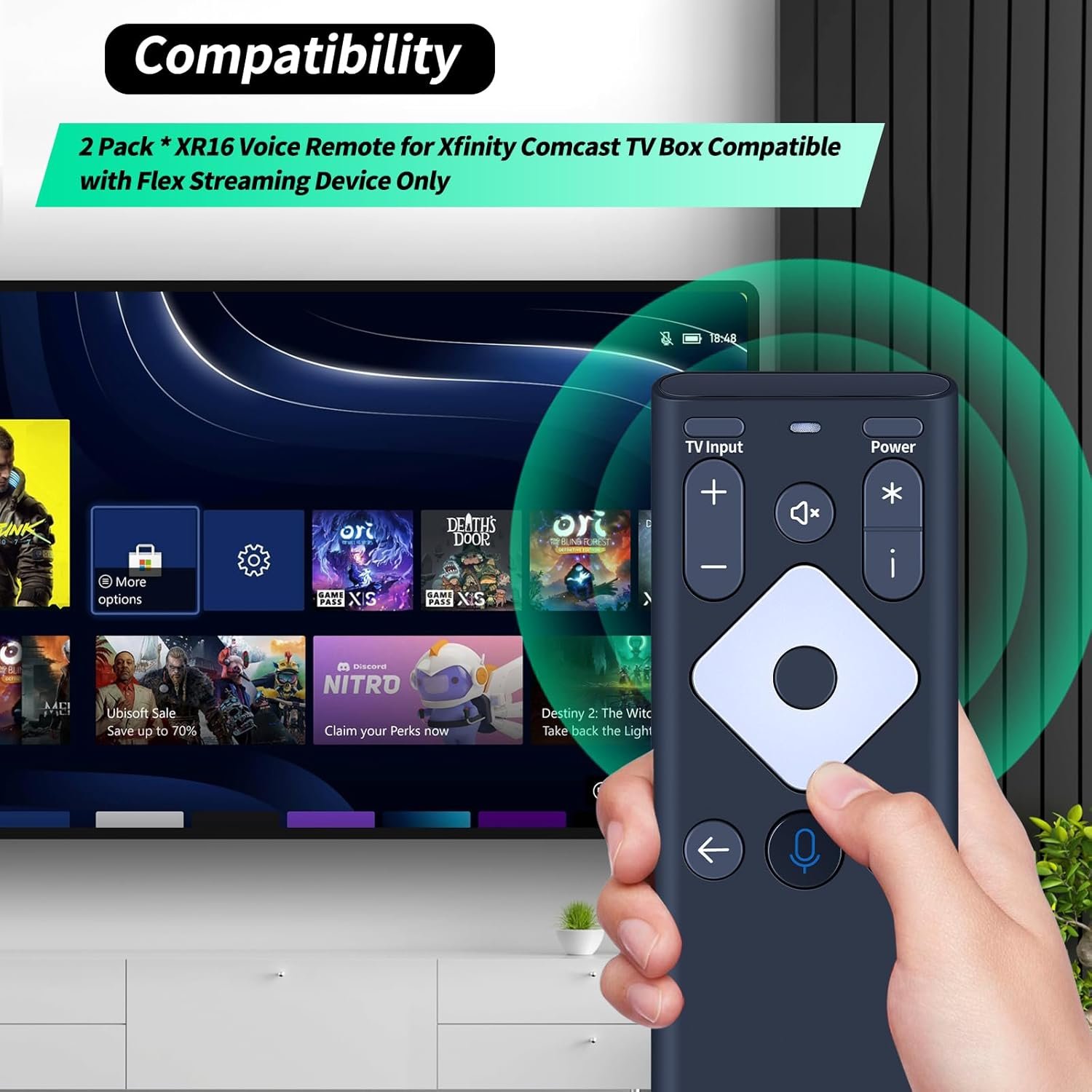
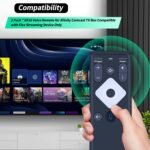
【Compatible Models】New XR16 Voice Remote Control for Xfinity Comcast TV Box Compatible with Flex Streaming Device Only.
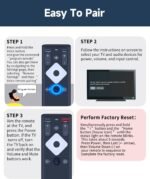
【Pair the XR16 Remote to Control an Xfinity Flex TV Box】① Point the remote at your TV Box and press the Voice button once. ② Follow the instructions on screen to pair your remote for voice control. ③ Once your remote is paired, follow the on-screen instructions to set up power, volume and input control for your TV. (Note: Please Make sure the TV and Xfinity Flex TV box are turned on and set the TV input to correspond with the Xfinity Flex TV box)
【Pair the XR16 Remote to Control a TV or audio device】① Press and hold the Voice button and give the command “program remote“. You can also get there by navigating to the Settings page, then selecting “Remote Settings“ and then “Voice remote pairing.“ ② Follow the instructions on screen to select your TV and audio devices for power, volume, and input control. ③ Aim the remote at the TV, and press the Power button. If the TV turns off, turn the TV back on and verify that the Volume and Mute buttons work.
【Perform Factory Reset】Simultaneously press and hold the“ i ”button and the “Home button [house icon] ” until the status light on the remote blinks. This takes about 5 seconds. Press Power, then Last (<- arrow), then Volume Down (-) on your remote in sequence to complete the factory reset. Once this is complete you can retry pairing your XR16 remote.
【Lifetime Warranty & Exceptional Service】Doesn’t match your equipment? Quality problem? Don’t worry!! We offer 12-MONTH warranty, free exchange or refund))
Customers say
Customers find the remote control easy to set up and appreciate its control buttons, with one mentioning they are easy to see. However, the functionality receives mixed feedback – while some say it works as well as the original item, others report it doesn’t work with Xfinity boxes.
8 reviews for (2 Pack) XR16 Voice Replace Voice Remote Control for Xfinity Comcast TV Box Compatible with Flex Streaming Device Only
Related products

CHEFMAN 6 Quart Dual Basket Air Fryer Oven with Easy View Windows, Sync Finish, Hi-Fry, Auto Shutoff, 2 Independent 3Qt Nonstick Dishwasher Safe Frying Baskets, Digital Double Air Fryer – Black
In stock
COSORI Air Fryer 2.1 QT, Small & Mini 4-in-1 airfryer Ideal for Simple Meals and Snack, Easy to Leftover Food to Crispy, Up to 97% Less Oil, 30 In-App Recipes, Nonstick & Dishwasher-Safe Basket
In stock

Cuisinart Air Fryer + Convection Toaster Oven, 8-1 Oven with Bake, Grill, Broil & Warm Options, Stainless Steel, TOA-70
In stock
Graco Modes Pramette Travel System | Stroller & Car Seat Combo | 3-in-1 Stroller Modes | Includes Graco SnugRide 35 Infant Car Seat | Ellington
In stock


Pack-2 Car Front Windshield Washer, Automotive Wiper Nozzles, 0.31″ Sprayer Head Replacement Parts, Single Hole Adjustable Fan-shaped Kit, Universal for Most Cars, Trucks (Black)
In stock

TCL 98-Inch Q65 QLED 4K UHD Smart TV with Google TV (98Q651G, 2024 Model) Dolby Vision, Dolby Atmos, HDR Pro+, Game Accelerator Enhanced Gaming, Voice Remote, Works with Alexa, Streaming Television
In stock


Carl A. Rode –
Good “universal” remote – check compatibility
Works as well as my original item. All the buttons that I need use as well as the voice control and it works well with both my Cox cable box and my Visio television. Some of the buttons will likely need to be programmed but that seemed to be easy and routine. I’d check the compatibility charts before buying but I’ve had to buy a few since my dogs think it’s a chew toy and have never had a problem with the actual units (until they were in pieces).
TRICIA –
Works
Works. I have to buy more my dog keeps eating them. On my 3rd one all work great. Just like the one we get from xfinity
Charlie Harris –
Did not work and cheap
Upon opening it felt cheaper than other Comcast remotes that look the same. Put multiple batteries in it and wouldn’t come on.
alyssa –
Works great
Works great! Easy to format. Comcast has a remote shortage so this is definitely a good alternative.
Debra Harding –
Works Great!
Works great! Thanks
AmazonSmile shopper –
It works
Works great, just like my original.
Amazon Customer –
Returned
Would not pair with xfinity or TV
Theresa M. Harting –
Easy set up.
Easy to set up, but very hard to open battery compartment.