


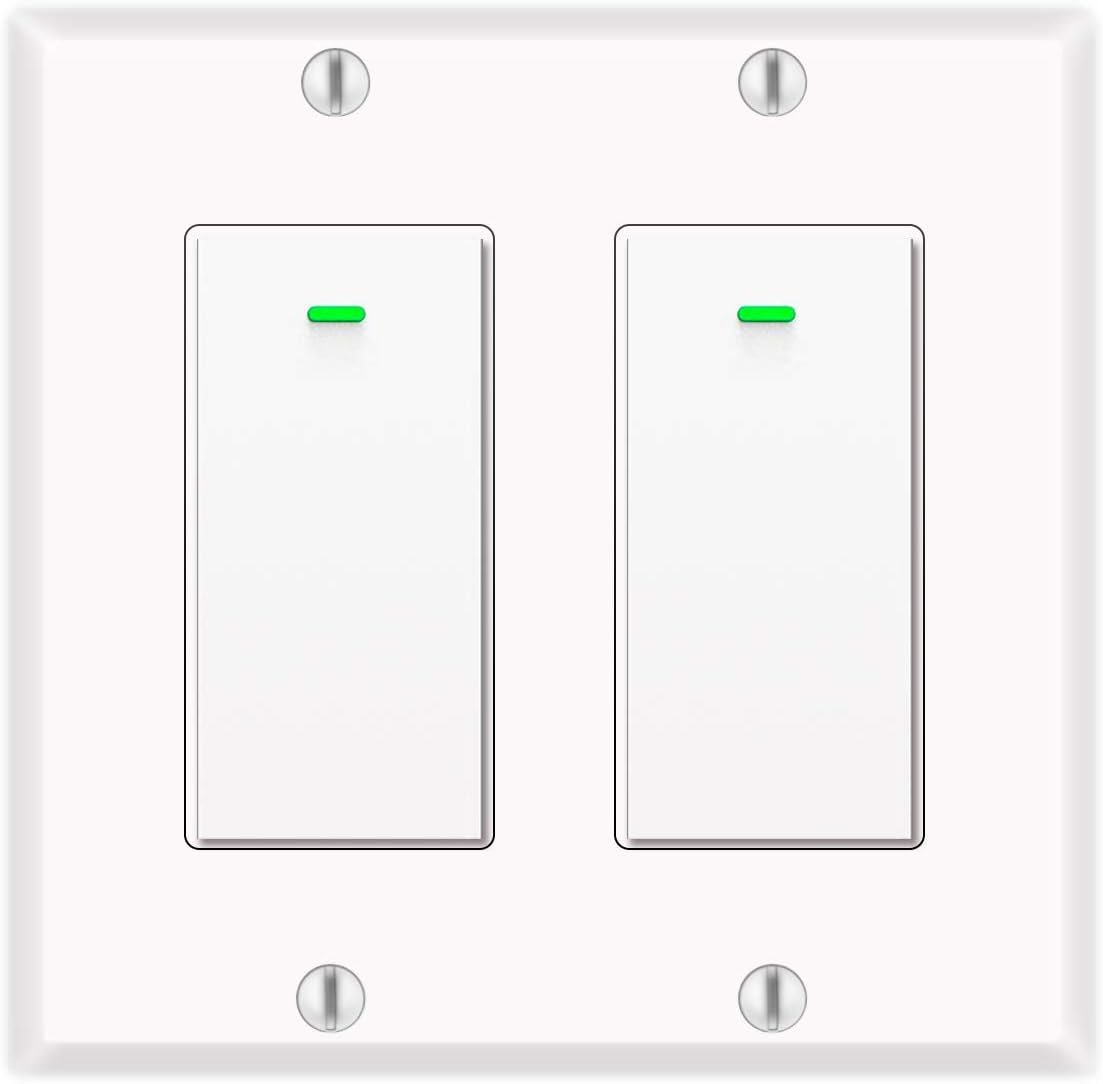
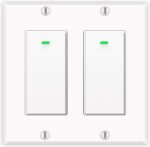


Alexa Light Switch, Double Smart WiFi Light Switches, Smart Switch 2 Gang Compatible with Alexa and Google Home, Neutral Wire Needed, with Remote Control, Timing Schedule, No hub Required (2Pack)
$26.99
Price: $26.99
(as of Aug 24, 2025 20:55:36 UTC – Details)
Product description
Single pole switch
Replaces single pole switch only. Not compatible with 3 way(multi-switch) lights. Neutral wire required. Load wire is required for light switch. Wi-Fi name should only contain letters and numbers. No special symbol allowed (like a dash)
APP Control
Control your lights from anywhere. Secure control using the smart life App when you are home or away. Custom schedules and set times, let your lights function automatically. On at sunset, off at bedtime.
Quick and easy set up
This alexa wall light switch easy install as old light switch, there is no hub or extra equipment. You can follow the clear direction to complete the wiring and pairing.
Vacation Mode
Vacation Mode helps improve your home security by turning electrical devices like lamps on and off at random intervals to give the appearance that you’re home even while you’re traveling.
Make your home smart
bekca smart light switch protects your home, wall light switch, schedule timer, light will be turned on timely when not at home as desired .Help to make your home smarter,never again will you have to stumble on furniture upon returning home, as this smart light switch will turn the lights ON. It connects to your home WiFi through your smart phone or tablet (no hub required) to ensure a safer, brightly lit, welcoming environment.
NOTE NEUTRAL, LIVE, LOAD, GROUND WIRES ARE REQUIRED Non-dimming 2.4G Wi-Fi only (NOT 5G) Single pole, not 3way Rated Current:15A(Max) Rated Voltage:AC110V~125V/50-60Hz Rated Power:1800W
Remote control
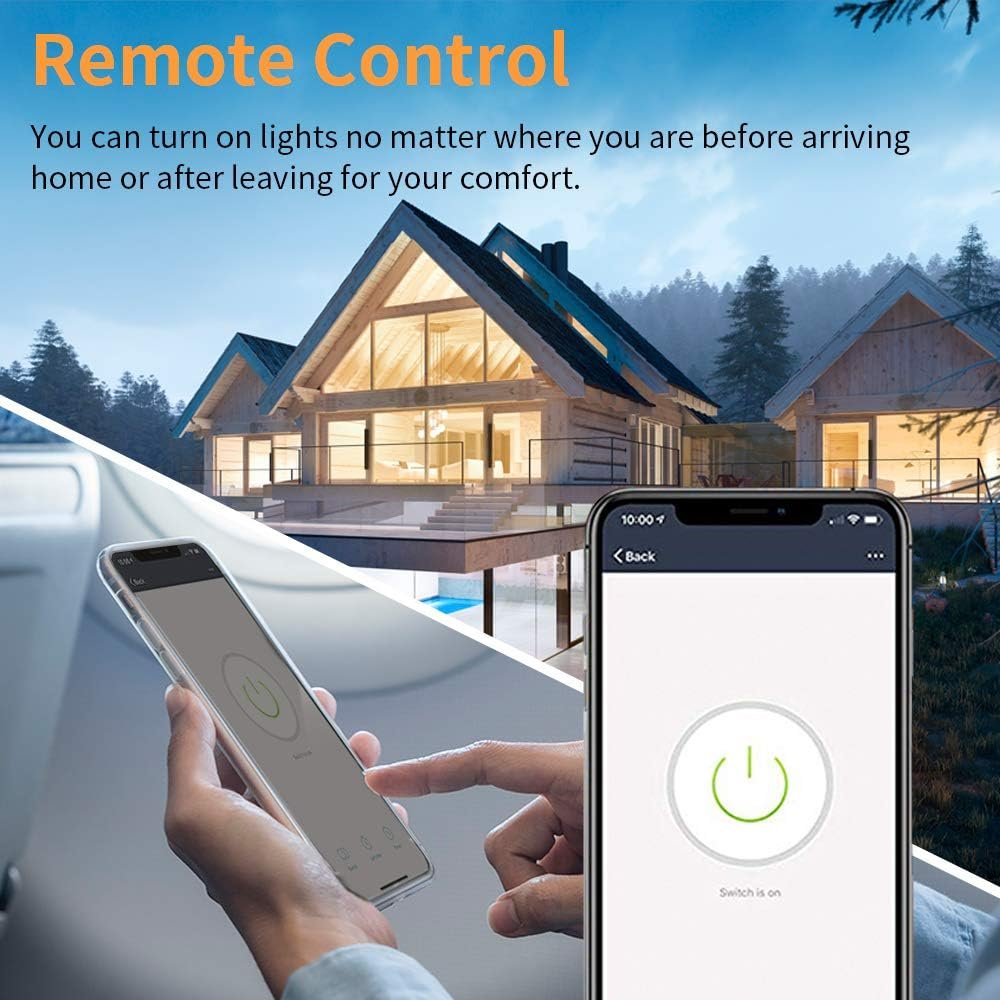
Remote control lights from anywhere and anytime using your smartphone via smart life, whether you are in your cozy bed, in the office or on vacation. You can turn on lights no matter where you are before arriving home or after leaving for your comfort.
Light on your schedule
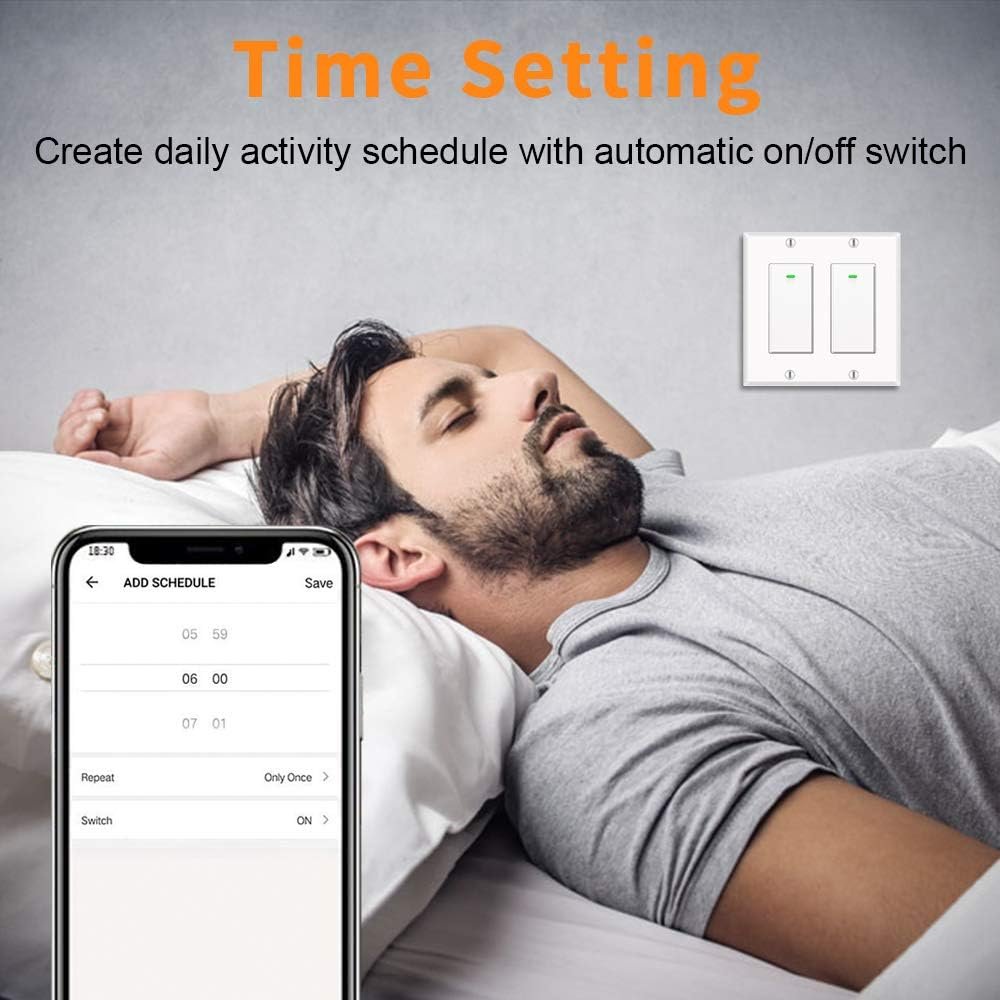
You can own your schedules turn on/off the lights automatically; whether it’s for saving or security; bekca smart light switches can ON at sunset, OFF at bedtime.
Voice-activated lighting
Easy to connect the switch to Amazon Alexa or Google Assistant for hands-free voice control, which will do you a big favor when you are holding your baby or being engaged in cooking or cleaning.
No Hub Required
Connects to your 2.4G WiFi directly. No needs to buy a separate hub. Does not support 5G WiFi.
★VOICE CONTROL➠ bekca smart switch works with Alexa, google assistant, simple voice control make your hands free when you are coming through the kitchen door with your hand full of groceries, sleeping in your cozy bed, holding your baby, etc.
★REMOTE CONTROL➠ Control the light from anywhere with your smartphone using the smart life app, whether you are in your cozy bed, in the office or on vacation. You can create schedules, monitor real-time lights status, share devices and even control a group of lights in your house with a tap of the phone screen.
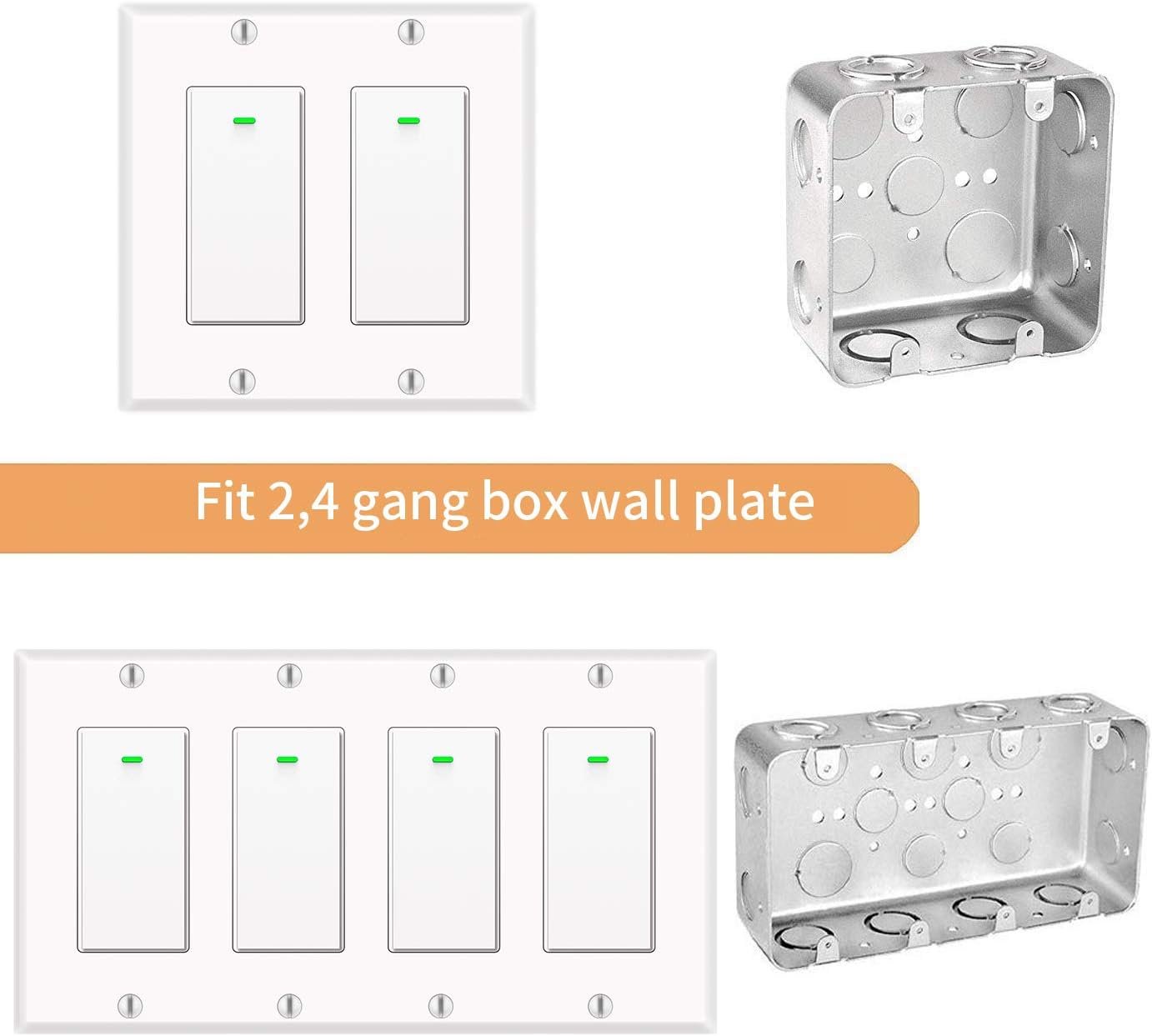
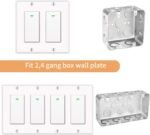
★SET UP EASILY➠ No difficult installation manual and configuration. Only for single pole installation. (not 3-way). Suit for 1/2/3/4 Group Type Switch Box, NOTE: NEUTRAL WIRE IS NEEDED. The Smart light switch works with the 2.4G WiFi only, does not support 5G WiFi, no hub required.
★SMART WIFI LIGHT SWITCH WITH SCHEDULE AND TIMER SETTING➠ You can schedule it to turn on and off the light automatically. Added benefit of saving energy when lights are not needed or are left on by accident. Support sunrise and sunset setting.
★RELIABLE AND SECURE➠ bekca Alexa light switch brings the convenience of a smart home within reach. CE and FCC approved for safety and quality assurance.
12 reviews for Alexa Light Switch, Double Smart WiFi Light Switches, Smart Switch 2 Gang Compatible with Alexa and Google Home, Neutral Wire Needed, with Remote Control, Timing Schedule, No hub Required (2Pack)
Related products

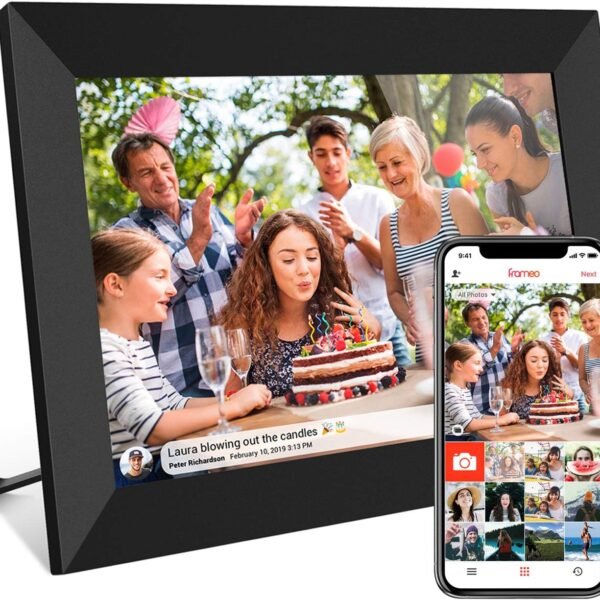
32GB FRAMEO 10.1 Inch Smart WiFi Digital Photo Frame 1280×800 IPS LCD Touch Screen, Auto-Rotate Portrait and Landscape, Built in 32GB Memory, Share Moments Instantly via Frameo App from Anywhere
In stock

4 Pack Smart Home 2.4GHz WiFI Dimmer Light Switch-Alexa, Google Home Compatible
In stock


I16 PROMAX Unlocked Phone,8+256GB Smartphone, Android 13.0, Long Battery Life 7000mAh,6.99″ Display 68+108MP Zoom Camera,with Dual SIM, Fingerprint Lock, Face ID, 5G Phone (White)
In stock
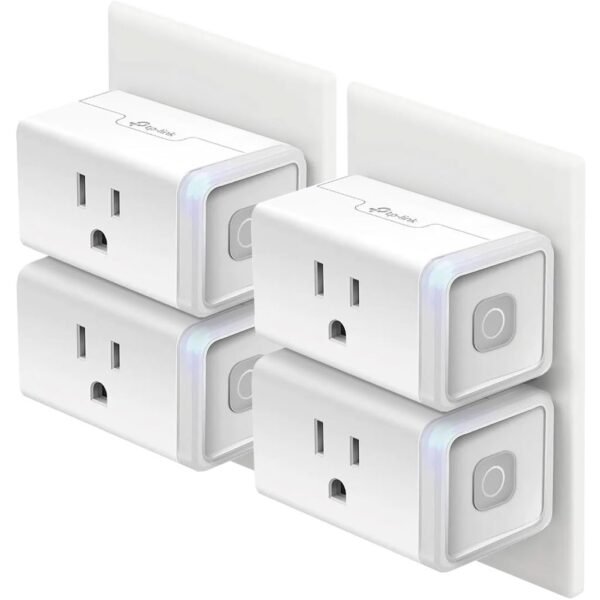
Kasa Smart Plug HS103P4, Smart Home Wi-Fi Outlet Works with Alexa, Echo, Google Home & IFTTT, No Hub Required, Remote Control, 15 Amp, UL Certified, 4-Pack, White
In stock
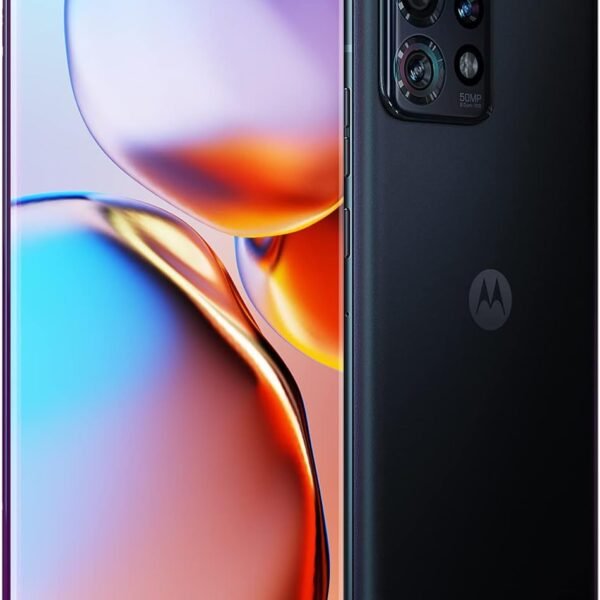
Motorola Edge+ | 2023 | Unlocked | Made for US 8/512 | 50 MPCamera | Intersteller Black, 161.16x74x8.59
In stock

TCL 55-Inch Class S5 UHD 4K LED Smart TV with Fire TV (55S551F, 2024 Model), Dolby Vision, HDR PRO+, Dolby Atmos, Alexa Built-in with Voice Remote, Apple AirPlay 2 Compatibility, Streaming Television
In stock


Krista L. Gossett –
Needs some improvement
While we were able to get it to work, key points to why it was more difficult are what I’m leading with. 1) some home wiring is NOT easily identified and 2) the instructions did NOT explain faceplate assembly. So I’m going to explain those two things here and hope the manufacturer fixes this issue for other buyers. In the meantime, reviewers; please read if your frustrations might be saved by these reasons.First, ground and neutral (green and white) were very easy to do. None of my home wires are color coded but I suggest you take a picture of your switch box assembly as you can use that. Or, only detach the ones you are connecting. Ground to ground for each box are together for each and all neutral for BOTH switches in a dual plate will be clustered together. In my case, this attached six white wires under one cap. Now, you may mix up the ‘black’ and ‘red’ as many have but the good news is that if you switch the current back on and the light on your switch isn’t coming on, you just need to alternate the red/black for each switch box. For this reason, do not attempt to attach the faceplate and just let the switch boxes hang until you’re certain they are properly powered. Either set up a camera from your phone to look at the switch from the breaker to detect the light when you turn on the breaker or get someone to yell if it comes on. You will need to then turn it back off to switch the wires and test again or just to safely seat the switches and continue assembly.The directions do NOT explain that you must disassemble the face plate from the cosmetic cover and that the back piece sits behind the switches themselves; you don’t need to detach the wires to pull them through if you attached the wires before noticing this, just carefully pull one switch through at an angle enough that you have room to do the same to the other. You will notice that the back piece has little pegs that line up to the switch boxes and the part that says up will be facing out and you seat them again that then screw all of this in to the screws together. Done right, the cosmetic piece just fits right in.Also adding that if you fail to pair either to the Smart Life app while blinking, simply press in the manual switch for a few seconds until the light goes off and remove pressure. It will blink again so you can attempt another pairing.This is a wonderful switch but if it weren’t for the fact that my dad and I with very different strengths and personalities were helping each other, this might have been very frustrating to figure out. The instructions are very lacking for alternative wiring types and was oddly blank of any considerations for the faceplate at all. Keep in mind, I do not know if the single plates are as forgiving of attaching the back piece without completely disconnecting the wires to fix the missed step later. Luckily the double plate does since it is a single opening.I hope the company is kind enough to add these to future kits so I don’t have to cross my fingers people will find this review before they have to backtrack/start over or think their product is defective. For amateur installs, there should be some much clearer notes to guide what seems to be easily overlooked mistakes.I really hope this helps, everyone, because a smart switch is so helpful and worthwhile once you’ve managed to conquer the novelty installation stage! Best of luck!
Joe Naylor –
Great price, easy install! …bright LED
I installed three of these, it was quick and easy. Using some automation scripts in Google Home I do things like turn on a specific combination of lights when I watch a movie, or turn off my bedroom light and turn on my bed lamp at bedtime. Super convenient, I love it.Three years later one of them failed, it wouldn’t connect to the wifi and or manually turn the lights on anymore. That was annoying, but I quickly replaced it today and for the price and ease of install I’m not complaining. Up until that point it worked perfectly both mechanically and by voice.One minor annoyance is when the lights are off it has a green LED indicator, which can seem rather bright in a small bedroom while you’re trying to sleep. I ended up covering the LED in the bedroom with a bit of electrical tape, which isn’t ideal but since I’m the only one who sees that one it’s fine. I don’t notice the lights in the larger family room.These use the Smart Life app on the phone, by the way. I have a few other apps installed for other devices, so now I look for devices that use the same app to make my life (and my app list) simpler.
J. King –
Great but has a quirk
Why did you pick this product vs others?:These are great and they work. After 6 months though, we had some storms roll through and power flickers. They stopped working correctly. They seemed to be set to a long press setting. We turned the power off to the switches completely for 20 seconds and then they worked correctly again. 10 seconds doesn’t work, has to be completely off for at least 20.
K. Ives –
Easy installation and easy Alexa set up
Very pretty switches that I used on two kitchen lights where the switches are located in the hallway. The installation went fairly easy, and I did it myself! As this was a dual switch, I had trouble telling which was the hot wire and which was the line wire as they were both the same color. I thought the electricity was coming from the left to the right, but it actually was coming from the right to the left. When I tried the switches after hooking everything up, the right one lit up, but the left one didn’t. It was easy to swap the line and hot wire on the left switch and then everything worked perfectly. Set up through the app and Alexa was very easy.
Paul –
Great at first, but quickly became a disappointment
I bought one set and they started out great and worked super well so I bought more for the rest of my house. After about 6 months one switch failed and won’t connect to my smart hub anymore. Then another did the same thing. Then the first one stopped working as a switch at all so I can’t even turn that light on anymore. Then another switch also decided to completely die and I can’t turn my bedroom fan on anymore.I wish these worked as well as they did when I first got them, but they have just been a disappointment. Idk how a switch just dies when nothing has changed…
L. Johnson –
Better experience than expected
Installation was easy enough (if installing light switches isn’t a challenge for you).The dimensions and screw holes were an exact fit for the existing double switch boxes. (I installed 2 pair.)The frame and the bezel didn’t have an explanation in the instructions, but didn’t take me too long to get that figured out and installed.I have it working not only with the Smart Life app in the instructions, but Alexa, and also an iOS Shortcut, and on the Control panel on my iPhone. The app also works on Apple Watch, so pluses for that.
C B –
Physical SwitchStopped Working
Installed and connected to WiFi easily. Sadly the ability to physically turn on and off has stopped on one switch. It now only works via voice control.
Laura R. –
Arrived on time. Easy to install. Instructions were good. Works great!!
Ghazwan –
Very good and easy to install.
Tammy Sosnowski –
Installation wasn’t that easy, had to get an electrician friend to come and help us out. It’s a double switch, which we wanted for our light and fan in the bedroom, could only figure out how to make them work together. So when we turn on the light, the fan comes on too. There’s probably a way to do it separately, but can’t figure that out.
RC –
Switch does not respond to any presses at all. Happened to 1 side at first sometimes, then the other side also. Now both side never works – I have to use google or app to turn on/off my lights. Garbage, stay away
Buy2muchonAmazon –
So I’ve got these wired in and working and they do work well now that I’ve got them installed. However, for being sold as set to install in a 2-gang there were issues. The biggest one I had was that the instructions in the box only give you wiring for a single plug instead of how to put 2 plugs together in one switch box. (If you’re reading this, group the neutrals – the white cables – together with all the neutral wires in the switch box under a single cap. Do the same for the grounds (green). Daisy chain or fork the hot wire (black to black). The load wire (red) should each connect to it’s own wire – probably black – exiting the box. And if you think you have 2 hots coming into the box, chances are one of them goes to the next box so keep them linked or the next box won’t have any juice)My other issue was that the plate covers included did not match the pictures in the product listing. In fact they didn’t actually work with these switches at all unless you like having a 3 mm gap behind the plate. Thankfully the original plates that we had still worked but pretty shoddy to send out non-matching plates.