


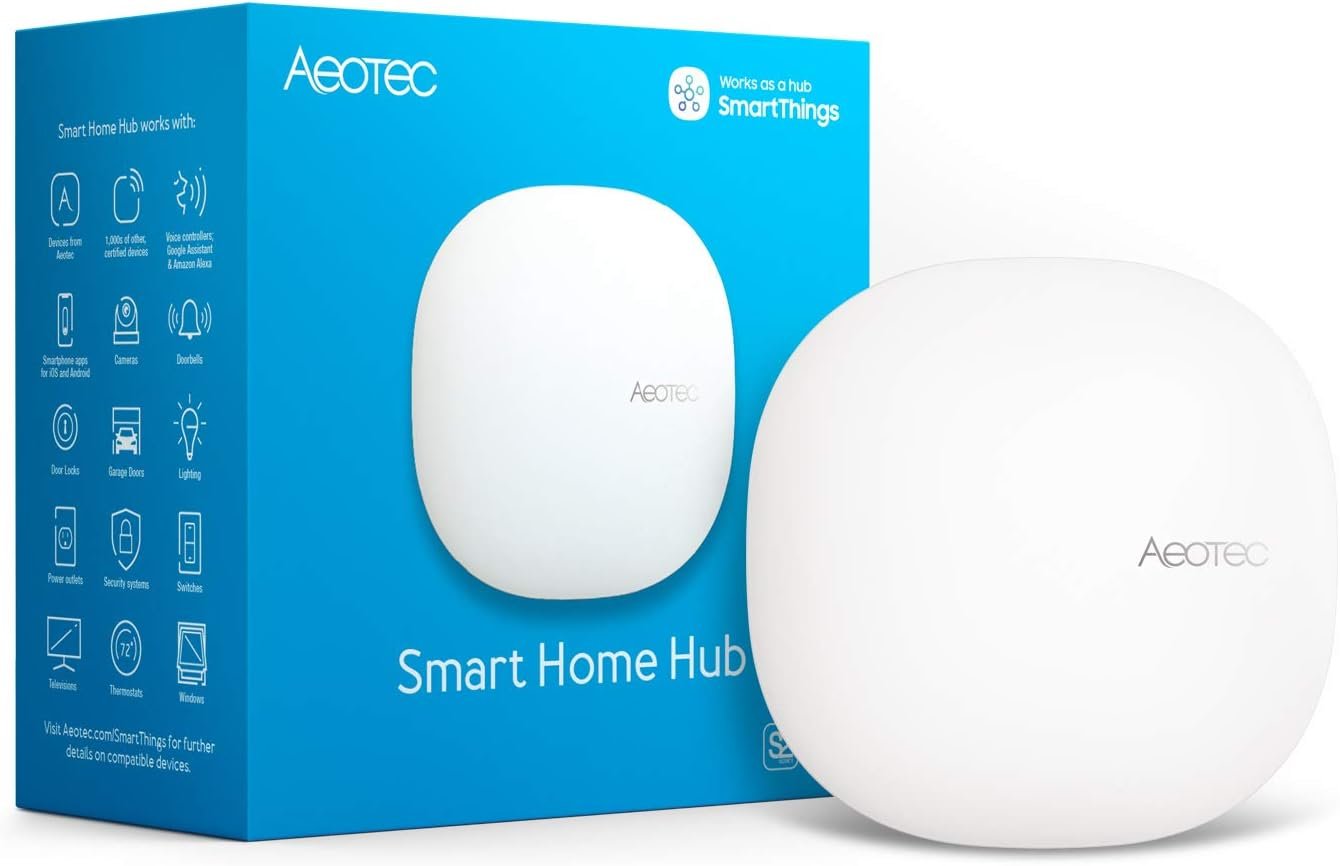







Aeotec Smart Home Hub, Works as a SmartThings Hub, Z-Wave, Zigbee, Matter Gateway, Compatible with Alexa, Google Assistant, WiFi
$33.99
Price: $33.99
(as of Jul 25, 2025 13:50:43 UTC – Details)
Product Description
The Works with SmartThings Smart Home Hub
Still #1. Does it Matter? You bet it does!
This isn’t just any smart home hub—it’s the foundation of one of the world’s most trusted smart home platforms, now with support for Matter, the latest industry-unifying protocol.
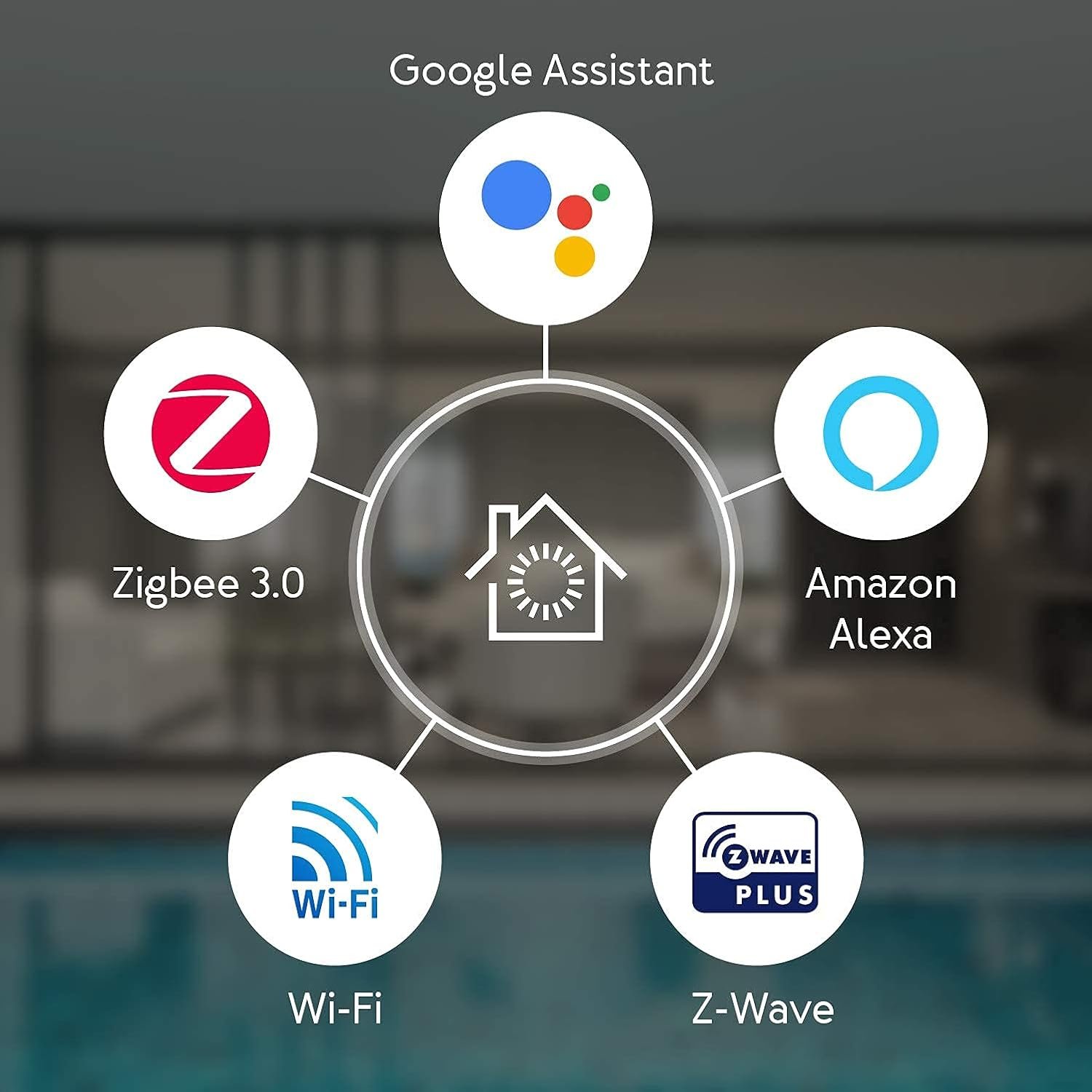
Built on a legacy of reliability and innovation, the Aeotec Smart Home Hub supports Zigbee, Z-Wave, Wi-Fi, and Matter smart home devices under one intuitive platform. Whether you’re just starting your smart home journey or expanding your setup, it gives you unmatched compatibility with thousands of connected devices—all managed in the SmartThings app by Samsung you know and love.
Simple enough for beginners, powerful enough for advanced users, and designed to evolve with your home.
Simple steps to a smarter home
Pro Tips
Install with the ethernet cable, then switch to WiFi after you’re up and runningRead the FAQ and user guidesReach out to Aeotec or Samsung support if you need additional help.
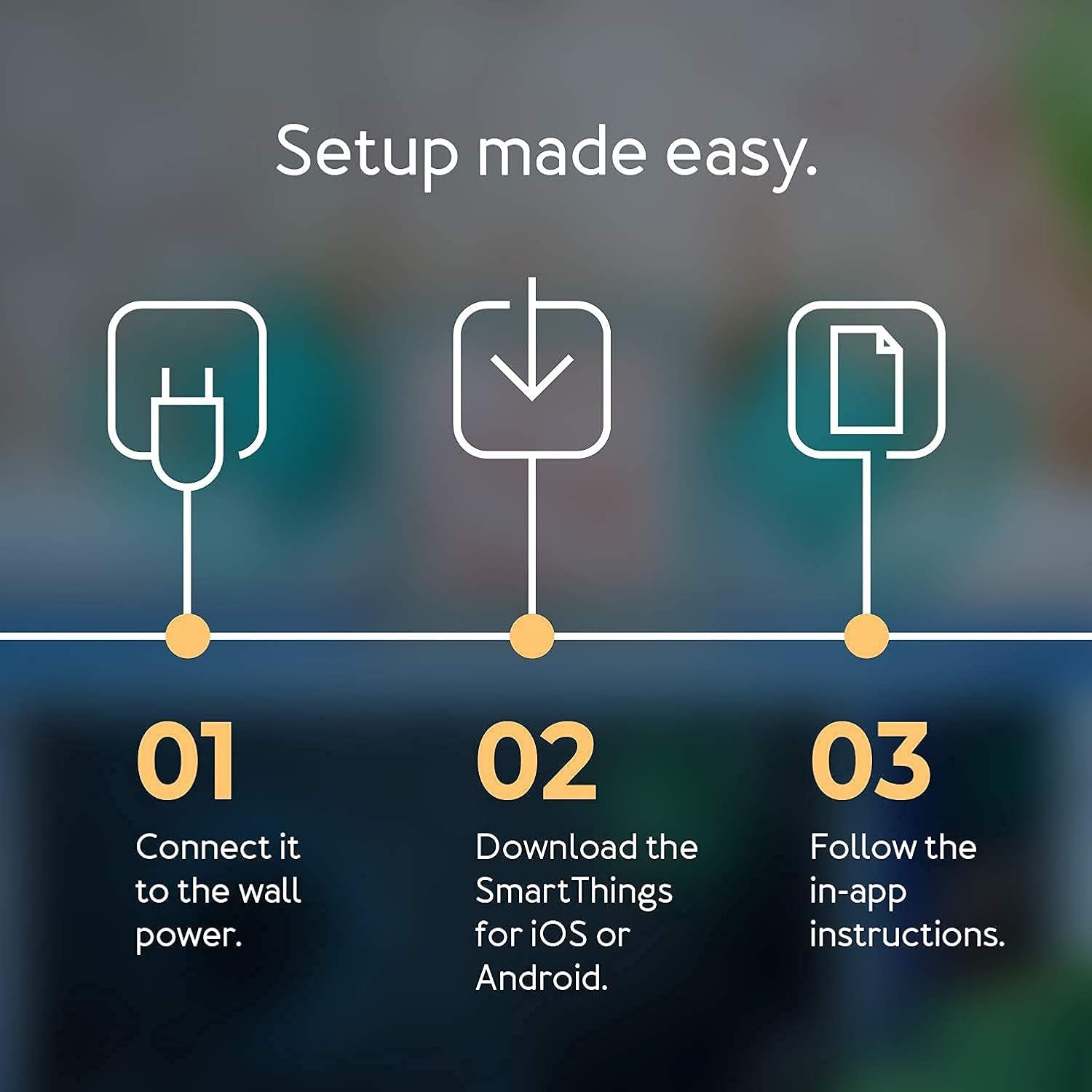
Setup in 3 Simple Steps
Download the SmartThings app for iOS, iPadOS or Android from Follow the in-app install instructionsConnect your compatible smart devices
Start with Ethernet: Connect the hub to your router using the included cable for setup. You can switch to Wi-Fi later in the app.Check compatibility: Before adding new devices, confirm they work with SmartThings—your device manufacturer’s site is a great place to start.Excluding old devices? Use the SmartThings exclusion tool to remove Z-Wave devices from previous systems before pairing them to your new hub.Get inspired: Visit the SmartThings Community for tips, automations, and ideas from other smart home enthusiasts.
Control It All with the SmartThings App
No matter where you are, what you connect or how you automate, everything comes together in the SmartThings app.
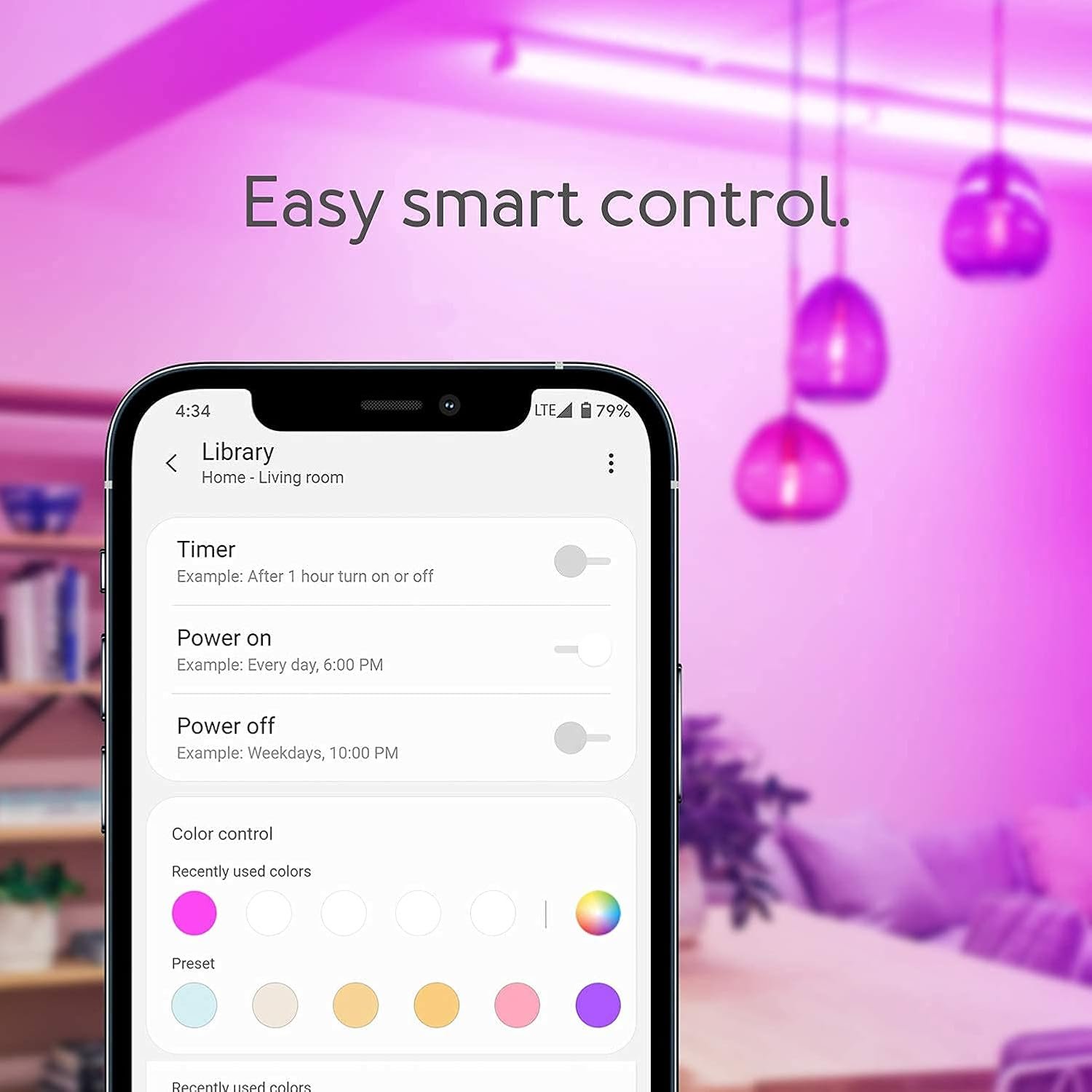
Easily create routines, automate entire scenes, and stay in the know—even when you’re not at home. Whether you’re turning on the lights at sunset, locking the door at bedtime, or getting a notification when a sensor is triggered, SmartThings keeps you connected and in control.
Available for Android, iOS, and iPadOS, the SmartThings app makes it effortless to: ✔️ Add and manage compatible devices that use Matter, Zigbee, or Z-Wave
✔️ Set up automations in just a few taps
✔️ Control your home remotely from anywhere
✔️ Get real-time alerts when something changes
Automate Everything, Just How You Like It
With SmartThings, you can create routines for just about anything you can imagine—from everyday moments to seasonal changes. Wake up to gentle lighting and a warm room. Wind down at night with one tap. Set different routines for summer vs. winter, or personalize your mornings for weekdays and weekends.
Build powerful automations that enhance comfort, safety, and efficiency—like turning off lights and locking doors when you leave, or getting alerts if something’s out of the ordinary. You can even reduce energy usage by automating smart thermostats, plugs, and appliances.
Whether it’s convenience, security, or sustainability, SmartThings helps your home run the way you want—automatically.
Organized by Room, Built for Real Life
With SmartThings, your home is as organized digitally as it is physically. Devices are grouped by room, so whether you’re adjusting the lights in the living room or checking the temperature in the bedroom, everything is exactly where you’d expect it—making control fast, intuitive, and effortless.
From the SmartThings app, you can see what’s happening in each space at a glance, manage routines room by room, and even trigger automations based on where you are. It’s smart home control that feels natural.
SmartThings for Everyday Life
SmartThings goes beyond basic control—it offers intuitive lifestyle apps designed to make managing your home feel effortless. From keeping tabs on your laundry, to monitoring your pets, to tracking your energy usage in real time, SmartThings helps you stay on top of what matters most.
These dedicated experiences are built right into the SmartThings app and are tailored to your routines. Want a notification when your laundry’s done? Curious how much energy your home is using this week? SmartThings makes it all possible—right from your phone.
Whether you’re optimizing your energy footprint or making life with pets easier, SmartThings brings it all together in one smart, simple platform.
Your Smart Home, Your Way
The SmartThings app is designed to keep your most important devices and routines right at your fingertips. Pin your favorite lights, locks, scenes, or automations to your home screen so they’re always just a tap away—no digging through menus required.
Whether it’s a go-to routine like “Good Night,” or your most-used devices like the living room lights or front door lock, SmartThings lets you customize your dashboard for fast, easy access to what matters most.
It’s smart home control that’s not just powerful—it’s personal.
Maximum Compatibility. Endless Possibilities.
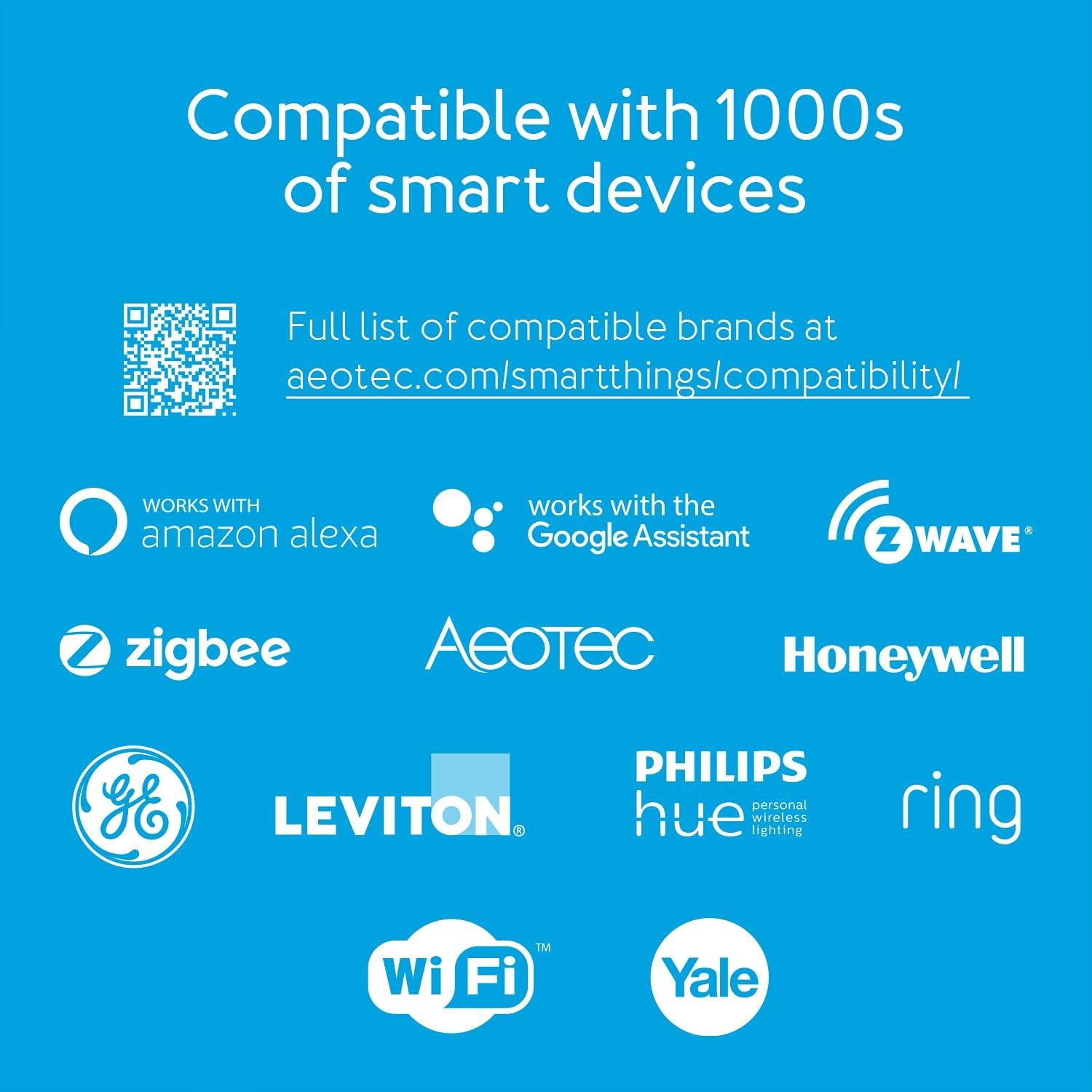
Because it’s powered by the SmartThings platform, the Aeotec Smart Home Hub connects with thousands of smart devices right out of the box—and thousands more with a few extra steps. With support for Zigbee, Z-Wave, Wi-Fi, Matter, and cloud integrations, building your smart home is easier than ever.
From smart plugs to smart fridges, SmartThings brings them all together. That means you can seamlessly integrate everything from Samsung appliances with SmartThings built-in to top-rated devices from brands like Philips Hue, Ring, Ecobee, Sonos, Arlo, and more.
Whether you’re setting the mood with smart lights, checking your front door from afar, or automating your morning routine with connected coffee makers and thermostats, Aeotec Smart Home Hub gives you the widest range of compatibility—with the simplicity of one app and one hub.
Simple enough for smart home beginners, yet powerful enough for enthusiasts. With developer tools and APIs from Samsung, SmartThings also offers advanced automations, integrations, and custom logic for DIY builders and tinkerers ready to level up.
Add to Cart
Add to Cart
Add to Cart
Customer Reviews
4.5 out of 5 stars 482
4.6 out of 5 stars 409
4.4 out of 5 stars 340
4.5 out of 5 stars 301
Price
$39.99$39.99 $40.99$40.99
— no data
$33.99$33.99
Works With SmartThigns
✓
✓
✓
✓
Zigbee
✓
✓
✓
✓
Temperature Sensor
✓
✓
✓
✓
Water/Leak Sensor
✓
no data
no data
no data
Motion Sensor
no data
✓
no data
no data
Door/ Vibration/Tilt Sensor
no data
no data
✓
no data
Scene Controller
no data
no data
no data
✓
Easiest way to make your home a smart home: Wirelessly connect and control a huge range of smart devices – over 5,000 are available from dozens of brands – including voice assistants, lights & switches, speakers, cameras, sensors and more
Automate connected devices: Any device you connect can be included into automations which can be intelligently managed. Now many automations work locally even when internet service is disrupted.
Control via App or Voice: Monitor and control connected devices, and run automations, using the Samsung SmartThings app on Android, iOS, and iPadOS, or voice user interfaces Amazon Alexa and Google Assistant
Requires internet access for set-up: Ethernet connection recommended, but Wi-Fi is also available. Download the SmartThings app to your phone or tablet to setup.
Compatibility: Certified to work with Google, Alexa, SmartThings, Matter, Wi-Fi, Z-Wave Plus, and ZigBee protocols. Not compatible outside of North America.
Customers say
Customers find the hub works well with SmartThings Home Automation and appreciate its reliability. The setup process receives mixed feedback – while some find it very easy to configure, others say it’s not too easy to set up. Connectivity is also mixed, with some easily connecting all Z-wave devices while others report issues with WiFi connectivity. Customers disagree on the hub’s speed, with some reporting fast execution while others experience delays. The app compatibility and device compatibility receive mixed reviews, with some customers reporting compatibility issues with GE Smart Switches. The value for money receives negative feedback, with customers describing it as a bad product.
9 reviews for Aeotec Smart Home Hub, Works as a SmartThings Hub, Z-Wave, Zigbee, Matter Gateway, Compatible with Alexa, Google Assistant, WiFi
Related products


3PCS Outdoor Solar Wall Light LED Motion Sensor Bright Flood Street Lamp 3 Modes
In stock

C23 Ultra 5G Unlocked Smartphone,6GB+256GB Fully Unlocked Cell Phone for Android 13, 6.8″ Unlocked Cell Phone, 6800mAh, 48MP+108MP Dual Camera/Dual (White)
In stock



I16 PROMAX Unlocked Phone,8+256GB Smartphone, Android 13.0, Long Battery Life 7000mAh,6.99″ Display 68+108MP Zoom Camera,with Dual SIM, Fingerprint Lock, Face ID, 5G Phone (White)
In stock



MAE –
Best in breed for category – versatile and powerful without excessive tech skills
I think that unless you want to go with the fully customizable, but you really gotta dive in, Home Assistant, or you are going with the extremely expensive managed platforms by companies that specialize in home automation and theaters, you can’t really beat this particular niche. So it’s pretty powerful, and SmartThings has a great community and if you want to learn and get very custom, you certainly canBut if you want pretty powerful out of the box, along with lots of abilities, since it says Z wave, zigbee, matter, Wi-Fi… This is pretty good.I am only outgrowing it because of my desire for extreme customization on the rules side. So home assistant will be next for me.I guess my main issue is that they do not handle cameras very well nor very many of them. You can get a custom driver but I didn’t find it working very well. Right now it seems like Tapo is one of the better solutions and Aqara door doorbell video really doesn’t good job on it!But for having something that can get a lot done and is very versatile, yet doesn’t require extensive training, this is probably about as good as they get. I like it more than Apple but I still use a couple of the apple features just because I have the iPhone and iPad. I’ve got a door locked that can use NFC off of my phone. That’s a no-brainer
techieTroy –
It’s working perfectly! Just what I needed!
I bought this when our smart home service went away, which used Z-Wave devices. I bought this for its compatibility with those, with other common smart device standards, and with my Philips Hue hub, as well as with Google Home/Assistant (and Amazon Alexa) for voice control. The Aeotec Smart Home Hub connects with and is managed through Samsung SmartThings, which works super well and provides for preset automations. (And there is a web interface for advanced functions, if needed.) And then by linking SmartThings and Google Home, I can control all the devices connected through the hub by voice, and set up voice controlled automations. I’m really pleased with the setup I landed on, and this hub is the critical piece. I think it’s a really good value, and there’s no subscription service to pay for. I’m just thrilled it’s all working so well!!
Barron Henley –
My Smart Home Solution
I’m a certifiable smart home nerd (everything in my house is controllable from app or voice – all wall light switches (I use GE Enbrighten Z Wave switches), smart plugs, garage doors, thermostat, exterior door locks, blinds, appliances, security system, etc.). I had a 2nd gen Samsung SmartThings hub and decided to upgrade to the latest-greatest Aeotec version. I would have given this straight 5 stars, but very, very unfortunately, they don’t have a transfer utility to move devices from an earlier version of the hub to the new one. Since I use all Z-wave devices, each one of the over 70 devices in my home had to be reset before I could connect them to the new hub. 3 of the wall switches just wouldn’t reset no matter what I did so I had to replace them even though they worked fine with the old hub. Anyway, after spending a (beyond annoying) weekend methodically resetting and adding each device, we’re all good to go and everything works great. The Alexa skill for SmartThings works great and Alexa picks up new devices I add instantaneously; and since SmartThings handles all of the main wireless smart home standards, you can connect just about anything to it. Plus, the SmartThings app is easy and intuitive; and I love the automations you can create (such as locking all of my exterior doors at 10 PM every night, turn on my garage outside lights at midnight and off at 5 AM every day, etc.).
Super Dave –
Was disappointed at first but ….
I purchased this to replace my old Vera 3 that died and was having issues before it finally died. I have quite a few of the GE ZWave switches. Setup of the hub was easy for the most part. After setup I tried to add one switch and it wouldn’t even see it was trying to pair. Tried a second and third with the same results. Figured I had better try and reset them but every method of resetting them just didn’t work. Still could not add them to the controller. I was about to give up and send it back until I found a video that shows how you can exclude a device using the app even if was on a previous controller / network.Went through each device one at a time and excluded and then included it on the hub. Worked like a champ. Got everything added back on the new hub. It is working great and I’m happy about my purchase.The only complaint I have is about the app. Sometimes I would add a device and if I selected to view by brand it would not refresh the screen and the cursor would just spin and spin. Shutting down the app and starting it back seemed to fix this. It happened about 5 or 6 times as I was adding devices. I don’t think you will be disappointed with your purchase.
Race Coach –
I had the 1st generation SmartThings hub and purchased this for new home. Works well and SmartThings app has come a long way in the past 3 years. In addition many of the Z-Wave devices have also improved greatly. I have used SmartThings to automate many things in my home (door locks, inside and outside lights, garage door). eg. Light inside the house by garage turns on for 10 minutes (then turns off) when the garage door opens. Light inside garage turns of when motion is detected and lights turn off automatically after 10 minutes (in case I forget). The possibilities are endless. Installing devices with the app can be frustrating and time consuming and is the hardest part. Once installed, scenes and automations are easy to create. Before purchasing an add-on device, make sure it is compatible with SmartThings and check reviews. Some work better than others.
Gustavo Vazquez Arredondo –
Lo instalé en la sala y el control recibe las señales de dispositivos en mismo nivel de la casa, no he probado el alcance para un segudundo o tercer piso. Hasta ahora funciona según lo esperado. El único detalle que creo lo especifica en manual, que no funciona sin internet.
B. Wilson –
Very expensive but easy to install. i hooked up an old zigbee door lock from Roger’s in minutes. Does support a vast amount of devices.
Lenin G. –
Aun no puedo vincular Sensores de Movimiento Marca Ikea ….se supone que deberìa poderse
Carlos David Cortes Aceves –
No fue compatible con la mayoría de mis electrodomésticos y dispositivos inteligentes. Casi todo lo que tengo es LG y Steren.