


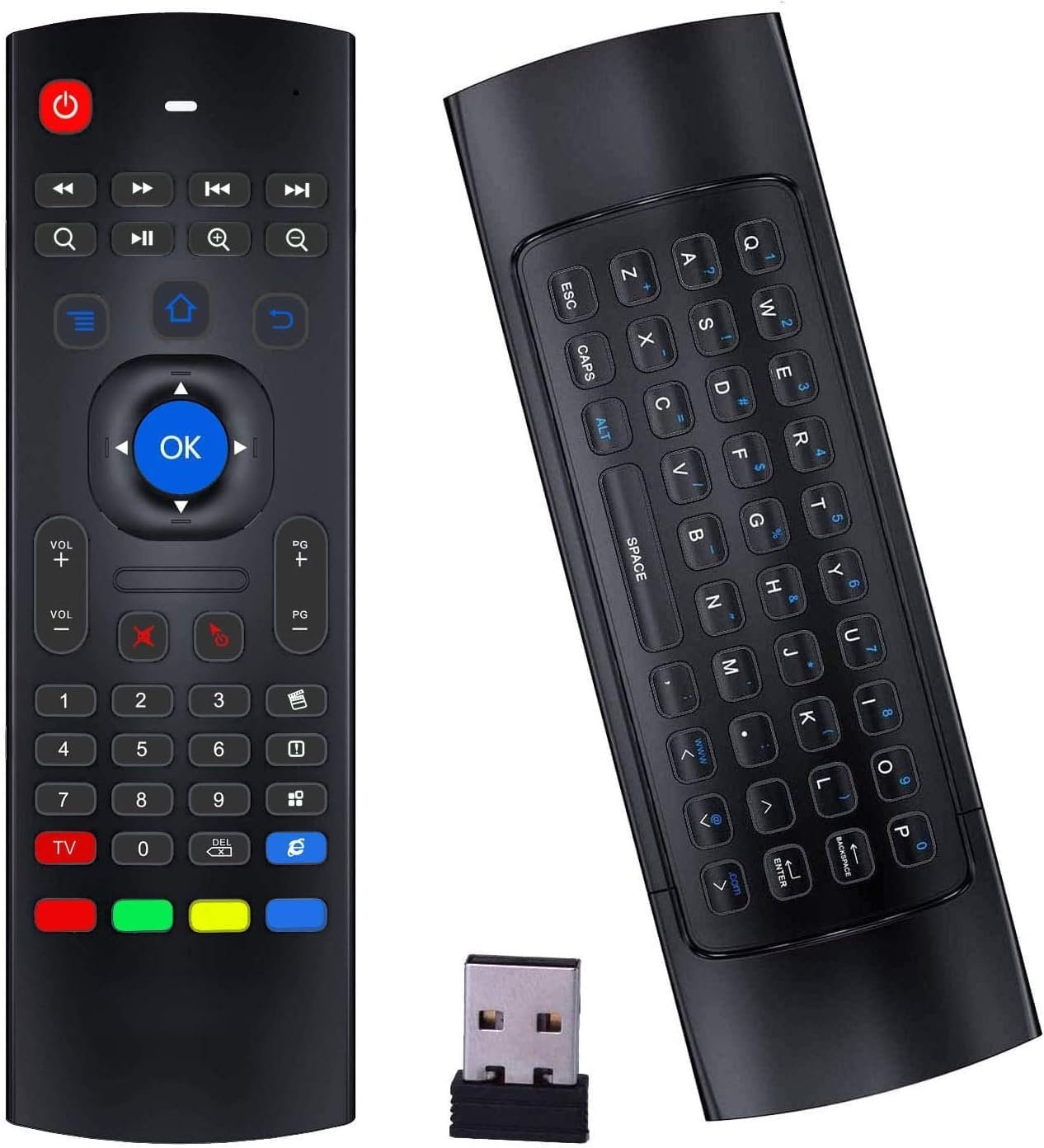
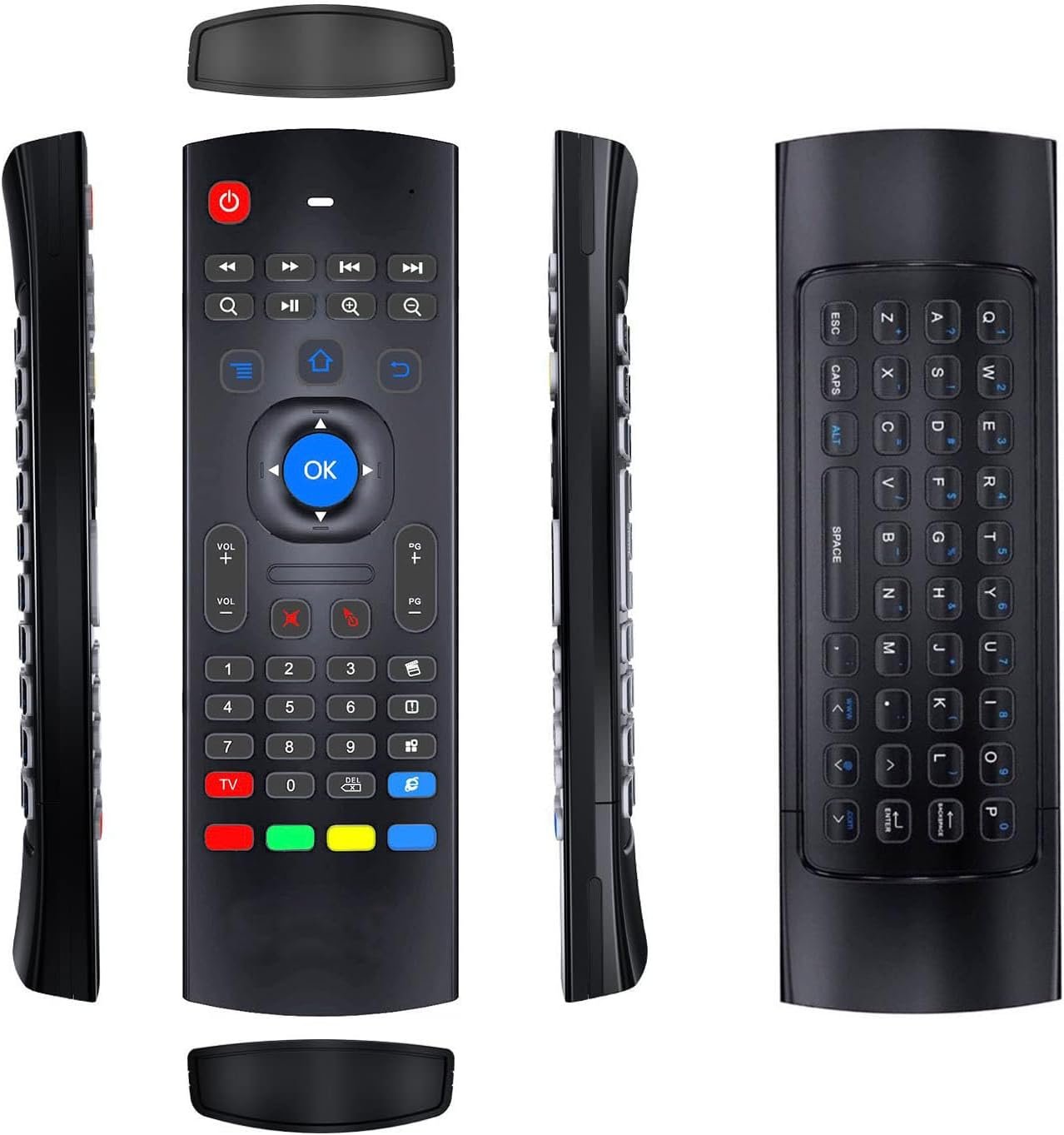
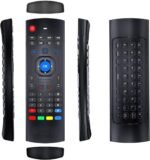
Air Mouse Remote,MX3 Pro 2.4G Wireless Mini Keyboard with IR-Learning Function, Remote for Android TV Box/Smart TV/Projector
Original price was: $169.99.$9.99Current price is: $9.99.
Price: $169.99 - $9.99
(as of Jul 23, 2025 13:54:21 UTC – Details)
Product Description
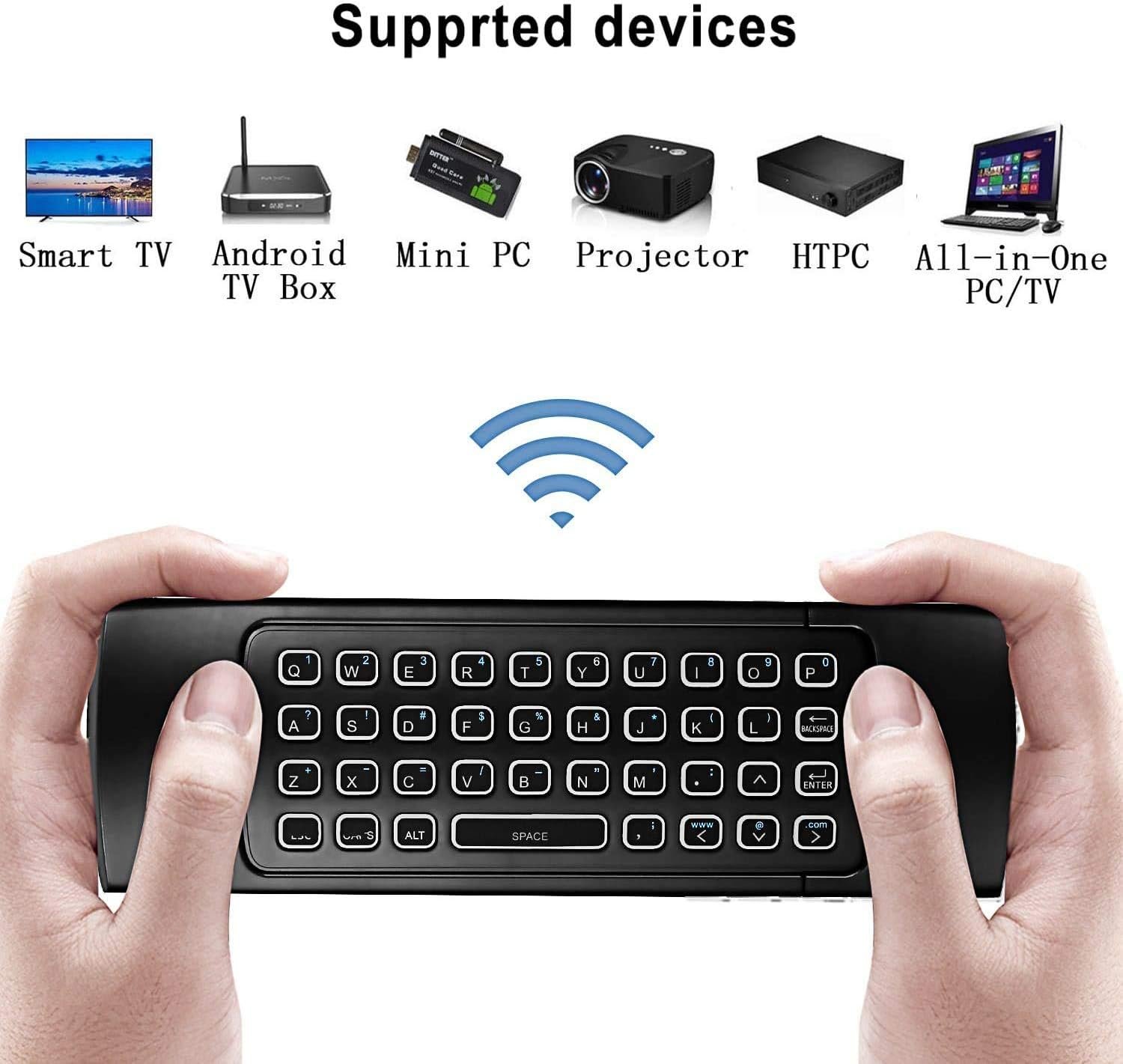
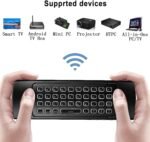
MX3 air mouse remote is designed to work as air mouse, remote control and wireless keyboard. It is widely compatible with all kinds of Android TV Box,Smart TV, Projector,HTPC, PC Pad,Xbox, PS3, Raspberry Pi.
Technical Specification:
1) Transmission and control: 2.4 G RF wireless radio-frequency.
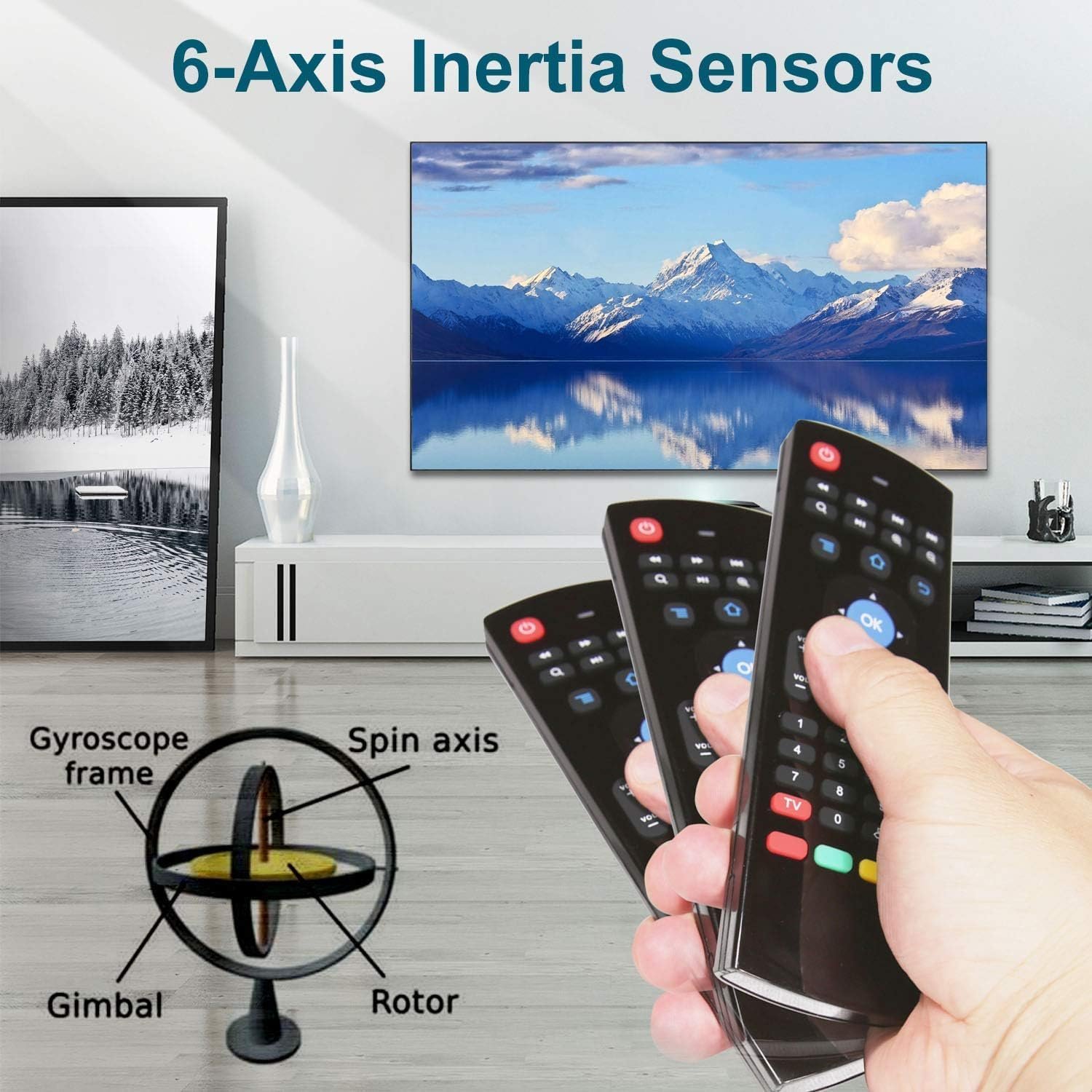
2) Sensor: 3-Gyro + 3-Gsensor.
3) The key number:81 keys.
4) Control distance: 10m.
5) Battery Type: AAA*2 (Not included in the product package).
6) Size: 172*52*19mm.
7) Weight: About 100g
8)Support Android/Windows/iOS/Linux system devices.
IR Learning Instructions:
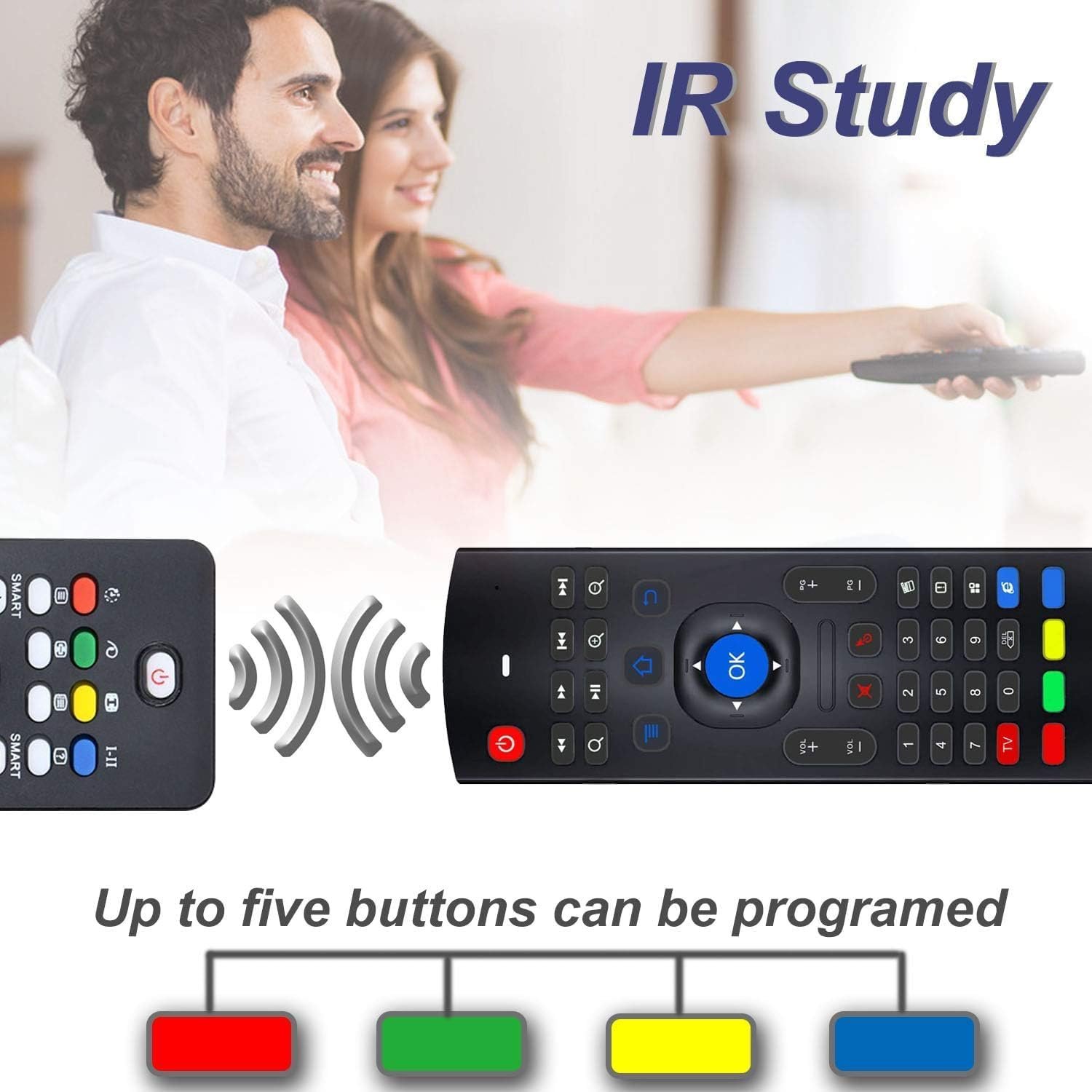
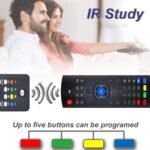
MX3 remote has 5 keys that can be programmed to learn from TV IR remote, which are the POWER and 4 color buttons at the bottom of MX3 air mouse.
Step 1-Point air mouse remote MX3 and TV remote head to head, make sure the distance between them is less than 0.1 feet.
Step 2- Press and hold the red TV button on the MX3 air mouse remote for 3-5 seconds, red LED indicator will flash very fast, then release the red TV button, red LED indicator will become to flash slowly. It means air mouse remote enters into IR learning mode.
Step 3-Press the key from TV remote which you want the air mouse MX3 to learn until the red LED indicator on the air mouse remote MX3 keeps lighting on.
Step 4-Press the POWER or one of the 4 color buttons on the air mouse remote MX3. Red LED indicator will be flashing slowly again, which means learning succeed.
Step 5-Press red TV button on the air mouse remote MX3 to exit IR learning mode.And you can continue start from step 1 to revise or start a new key learning.
2.4G wireless remote control has 10M working distance ,plug and play.
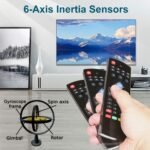
6-Axis inertia sensor, support motion sensor function.
Mini Keyboard offer convenient typing when searching anything on your TV.
【Multifunctional Air Mouse Remote】With 3 Gyro + 3 G-sensor, it’s more convenient to operate in horizontal and vertical mode for games and typing, More sensitive control direction.
【IR learning】Up to 5 keys can be programed from your TV IR remote, it is much easier for you to control both TV and Android TV Box with one remote.
【Plug and Play】2.4G Wireless Connect Air mouse remote mx3 pro has adopted 2.4G USB wireless connection, No installation is required, just plug and play,.
【Mini Keyboard】Air mouse remote mx3 pro has built a mini keyboard on the back, it is easy for you to type the words when you searching anything on your TV or Android tv box.
【Wide Compatibility】It Support Android TV Box, Android Smart TV, Projector, HTPC, All-in-one PC,Xbox, Raspberry Pi, etc.
8 reviews for Air Mouse Remote,MX3 Pro 2.4G Wireless Mini Keyboard with IR-Learning Function, Remote for Android TV Box/Smart TV/Projector
Related products



Hisense 75-Inch Class U6 Series Mini-LED ULED 4K UHD Google Smart TV (75U6N, 2024 Model) – QLED, Motion Rate 240, HDR 10+, Full Array Local Dimming, Game Mode Plus, Alexa Compatibility
In stock


Samsung 65″ Class OLED S90D HDR 4K Smart TV QN65S90DDFXZA – New Sealed! Local TX
In stock

TCL 55-Inch Q65 QLED 4K UHD Smart TV with Google TV (55Q651G, 2024 Model) Dolby Vision, Dolby Atmos, HDR Pro+, Game Accelerator Enhanced Gaming, Voice Remote, Works with Alexa, Streaming Television
In stock



Kennith –
Android tv controller
Why did you pick this product vs others?:Works great with my android tv box has all the functionality of a great remote. Only drawback is can’t figure out to manually turn on the device. So I have two remotes.
Kevin Kelley –
This is an okay remote depending on your needs…
My remote is best up. Chips, cracks, missing battery compartment door. I needed something new. I decided to try to prolong the life of my TV and gain some creature comforts by upgrading the remote. This looked to be similar in shape and design to my LG remote with the added keyboard functionality.Pairing wasn’t too difficult. I plugged the USB plug in the back of my TV and it seemed to work. I was excited to see the mouse pointer appear on my screen, as I didn’t realize this was an option. I immediately loaded YouTube to test the keyboard. It did not entirely work. The direction arrows and enter worked, as well as pressing the “alt” key for symbols but letters did not work. I tried Amazon Prime as well as the TV’s own search and the keyboard did work… but it required me to hold the remote so my hands did not cover the IR transmitter.As for the programming, I noticed some buttons did not work like the HOME or BACK buttons. So I followed the directions to program the colored buttons on the bottom. The back button worked in most apps but the home button wouldn’t work when programmed.So overall the remote works as a basic replacement but without full functionality of at least a back or home button this controller is not really saving much time or effort apart from the mouse pointer when typing words in, so if I do use this I will need to keep this by the original remote.
Andrew Miller –
I like this remote
Worked better and faster then original remote plus fast delivery.
Trudi –
Not compatible with Aiwa television
I like the remote however it does works well with Aiwa brand television. Only some of the function keys works for my television. It cannot turn on or off my television and alot of the other functions are not compatible with Aiwa television.
Richard M –
It works, but the special keys are almost unreadable and the keys are setup funny.
It’s nothing special
Espressoz –
almost excellent remote / air mouse keyboard
VERDICTRecommended – with one caveat.WHYThis remote works very well for multimedia function as well as a keyboard. In addition to that, there is an air mouse functionality which is pretty good. The feel of the remote is actually nice. This is perfect for a multimedia PC or to add a keyboard to your TV. The reason I docked this product a star are because:* The packaging makes this remote look super cheap; remote itself is fine.* The dongle is very poorly made. The one I got, the board inside sticks up too much, making it very difficult to stick in a USB-A port.
SirDigitalKnight –
Not very flexible for configuration.
Not recommended if you are planning to use it with HAos or as IR control as the center select button it not programmable for either.
Yankee –
Handy
The remote works fine when it stays connected. For some reason the connection drops intermittently and that is annoying when im in the middle of a project